Apps Like Gallery Lock - Private Vault for iPhone and iPad
Organize photos with a clear timeline
Manage photos with a clear timeline to highlight memorable days. Create collections to organize and share moments. Edit images and videos with lighting, contrast, and color adjustments plus 16 filters.
by Bhuvan Gupta★ 4.4254 ratingsPhoto & VideoFreeData updated 2026-09-06
Take photos or select images from the gallery. Choose or stickers and place them by tapping and dragging. Adjust size, rotate, or move stickers as needed. Share edited photos directly.
Create greeting by placing photos in flower and nature . Select from various pre-designed or use your mobile gallery or camera. Adjust photos with zoom, rotate, and move gestures. Save and share through social networking apps.
Secure allows users to hide and lock private photos and videos. Hidden provides a separate space for sensitive media. AI-powered tools help organize photos by sorting albums, removing duplicates, and enhancing image quality.
Save and share optimized for high definition. Store in your photo gallery. Share via Facebook, Twitter, and Google+. Requires internet connection for use.
Edit photos with multiple props, frames, and effects. Apply presets and overlays. Capture photos in portrait, landscape, or square orientation. Share images directly to social media. Supports iPad, iPhone, and iPod Touch.
Create and manage albums. Import and export from the photo . Preserve and view Exif data including date, ISO, and GPS. Search by caption or description. Create slideshows and play videos. Edit with cropping, orientation adjustments, and filters.
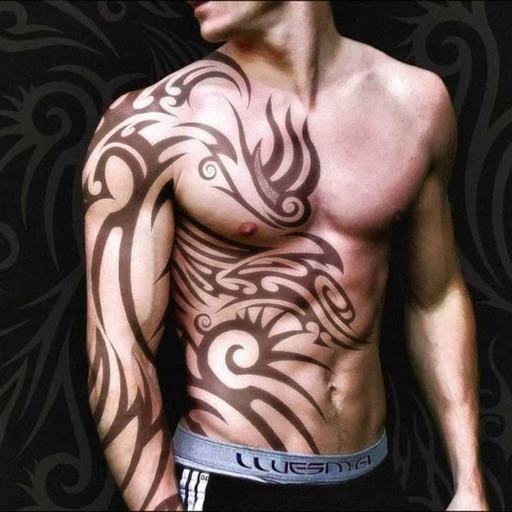
Create tattoos on photos with high-definition images. Select from various styles like dragon, color, love, and kanji. Apply effects and save or share directly. Choose photos from camera or gallery.
Play videos, switch languages, download content, share
Stream videos in various formats with dynamic language and subtitle switching. Save favorite media and download content for offline viewing. Share downloaded files via AirDrop, Drive, or Gallery. Connect via Chromecast or UPnP for screen mirroring.
The app allows users to animate photos and messages, creating shareable video loops. New loops are added daily, and users can access additional content through an in-app subscription.
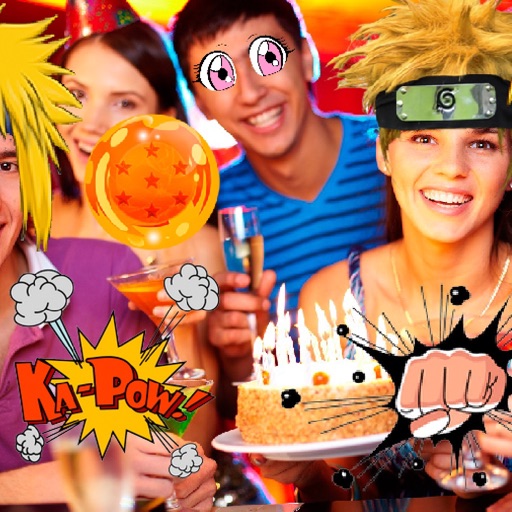
Apply to photos using the built-in image editor. Select from a gallery or take a new with the camera. Add to enhance images of children. Save and share edited photos directly.
Sort photos and videos by swiping left or right to categorize them. Remove unwanted files to free up storage space. Highlight and rediscover favorite memories through organized viewing.
The app creates unlimited collages with a single tap using a SmartSorting algorithm. Users can import photos, select modes, and apply various styles, text, backgrounds, filters, and stickers.
Edit photos with blur background settings, shattering effects, and color frames. Add overlays and crop, rotate, or flip images. Import from gallery or camera, and share edited photos to social media.
Create photos and videos using pre-designed templates. Add stickers and apply image effects. Choose from 37 themes. Combine videos with memes and popular audio tracks. Record and edit content with touch controls.