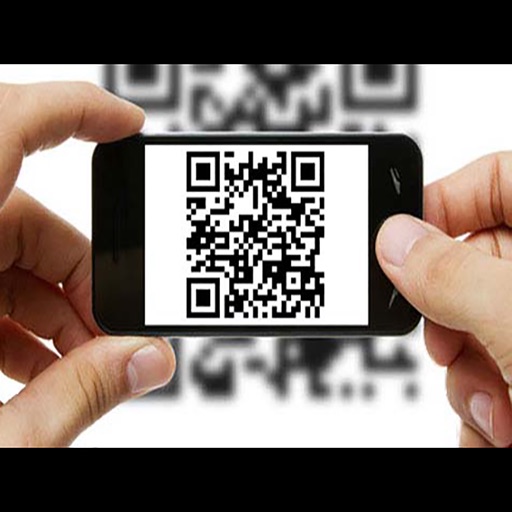
Scan QR codes and barcodes quickly with precise decoding. Recognize ISBN, EAN8, UPC, QR, and other common types. Share scanned data via copy, email, or social media. Adjust scan settings for different lighting conditions.
Scan QR codes using the camera or photo library. Create and customize QR codes with text, URLs, or contact info. Share generated codes via email, messaging, or social media. Import and manage scanned codes in a gallery.
Scan and generate QR codes using the camera. Automatically detect and read barcodes and QR codes from images, logos, and business cards. Open linked web pages directly. Use built-in flash for low-light scanning.
QR codes using camera, photos, files, or iCloud. Decode URLs, contact info, product details, and more. Save and manage scanning history. Share scanned data via email or messaging. Perform actions like opening links or saving contact details directly.
Capture photos and videos with high resolution up to 4032x3024 and 4K. Switch between front and back cameras. Use face detection, grid, and image stabilization. Zoom up to 10x. Adjust focus and exposure by tapping.
Scan QR codes and barcodes to access product information and create codes. View details like nutrition data through Open Food Facts. Share scanned results via social media or messaging apps.
QR codes to retrieve information quickly. Create and share QR codes with others. barcodes including coupons and food labels. Automatically codes without manual input. Archive all scanned and created QR codes for future reference.
Scan QR codes and barcodes by pointing your camera at them. Automatically detect and retrieve product prices and details. Access information without manual input or photo capture.
And create QR codes and barcodes. Save and share scanned data. Edit and customize QR code designs. Access gallery cleaning features with subscription plans.