And resize photos for social media profiles including Instagram, Facebook, Pinterest, and LinkedIn. Trim and compress videos. Apply blur, flip, and rotate functions. Export edited media in optimized formats.
Documents by taking a photo, selecting from the photo gallery, or choosing a file. Adjust settings for clarity. Share scanned files via email, messaging, or cloud storage. Organize and store documents in folders. Export in PDF or image formats.
Apply AI-powered filters by imitating styles from other images. Adjust brightness, exposure, contrast, highlights, shadows, saturation, vibrance, temperature, and tint for detailed edits. Export edited photos in multiple formats.
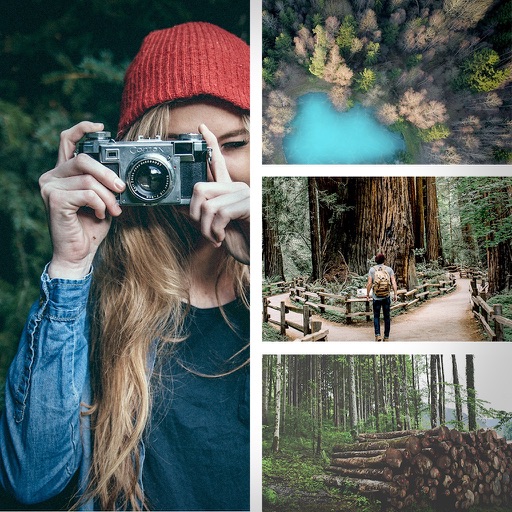
Create videos from multiple selected frames with customization options. Edit photos by zooming, rotating, and dragging within frames. Combine multiple frames into a single large .
Scroll through screenshots to create continuous pages. Merge images by removing overlaps. Adjust brightness, contrast, and color. Add text, arrows, and highlights. Apply filters and export edited images.
Resize images with precise control over dimensions and quality. Adjust DPI for print or digital use. Batch process multiple files at once. Rotate images for correct orientation or creative angles. Export in various formats.
The app processes photos in batches, allowing users to resize and rename them. It supports numerous import and export formats and offers features like rotation, watermarking, and applying effects.
Resize images by custom dimensions with aspect ratio lock. Crop using freeform or preset ratios. Compress files to reduce size without quality loss. Convert to JPG, PNG, HEIC, or WEBP formats. Rotate and flip images with quick options.