Edit images and videos by selectively recoloring elements. Extract objects, shapes, and text using tracing, magic eraser, and recoloring tools. Deform and extracted elements with distortion tools.
Trim clips by selecting specific regions. Apply filters and add background music. Save edited videos to the camera roll. Share videos to YouTube, Viddy, Instagram, email, and WhatsApp.
Remove backgrounds using advanced tools like lasso cut out, erase, and unerase. Replace backgrounds with custom images or search for available options. Adjust image position, zoom, rotate, and crop for precise placement.
Remove from photos and videos automatically. Edit the color or upload a new image. Export edited media in original format. Share directly to social platforms.
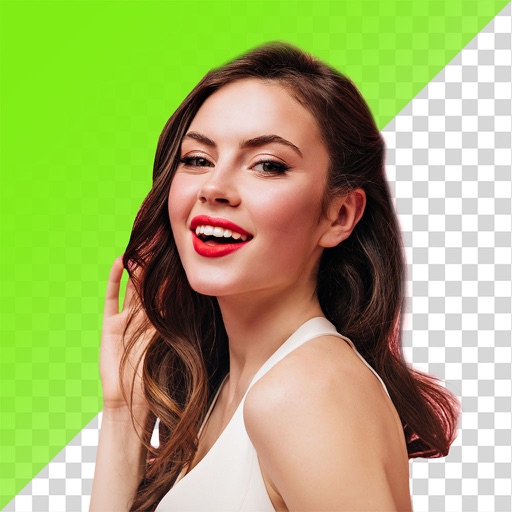
Remove backgrounds from photos using AI technology. Cut out objects and edit images with precision. Overlay subjects onto new backgrounds. Save and share edited images directly.
The app allows users to add text captions to photos and share them. Users can select from 78 custom fonts and 41 layer effects, including banners, thought bubbles, frames, and emojis, to enhance their captions.
Create magical memories by editing photos with AI-powered cleanup, adding cute stickers, and applying dreamy filters. Build milestone albums to celebrate growth and special moments. Share edited photos directly from the .
Set iPhone 14 Pro with high-resolution images featuring themes. Choose from artistic and aesthetic designs. Add live through the Photos . Customize home screen and lock screen backgrounds.
Edit photos with unblur, object removal, and background cleanup tools. Apply AI filters, artistic styles, and motion effects. Create photo animations with one tap. Export and share edited images directly.
Remove backgrounds from photos using AI-powered tools. Automatically cut out subjects with one tap. Adjust edges and refine details manually. Export edited images in various formats. Share directly or save to device storage.
Remove from photos using a freehand cut tool. Select images and create multiple cutouts. Edit cutout details for precise results. Use cutouts as stickers or stamps on other photos. Move, zoom, and rotate cutouts for flexible editing.