Listen to audio recordings of study material for offline learning. Adjust playback speed and pause anytime. Sync progress across devices. Access notes and highlight key points in text format.
by Bjoern Waide★ 0.00 ratingsEducationFreeData updated 2026-09-06
Listen to lessons, practice exercises, track progress
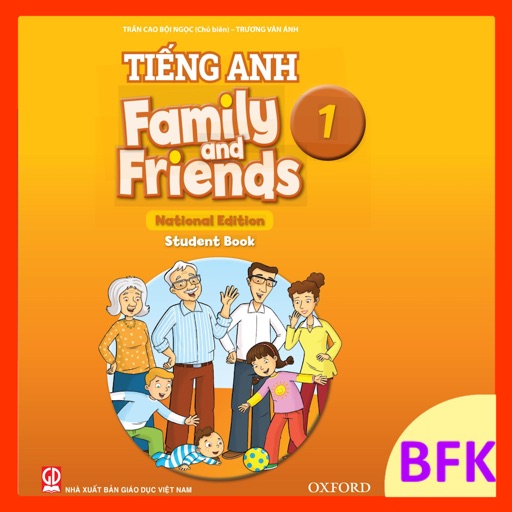
Grade 1 English provides offline listening exercises aligned with the 'Chân trời sáng tạo' textbook. Students can listen to lessons and view illustrated audio with images. Teachers can use the on phones or tablets for classroom instruction.
Study religious texts with translations in Nogai and Russian. View side-by-side translations. Access offline content. Add new texts as they are published. Search for specific passages. Highlight and bookmark verses. Share content with others.
Notes, images, and audio recordings with voice-to-text and text entry. Automatically log time, date, and location for each entry. uthenticity certificates and integrate with case management systems.
Vocabulary through interactive flashcards with images and audio. Explore topics like alphabet, numbers, animals, and body parts. Listen to word pronunciations and match terms with visuals. Track progress across different language categories.
Learn musical concepts through interactive ear training exercises. Identify tones, triads, and intervals. Improve sight-reading with treble clef practice. Deflect meteorites to progress through levels. Track progress and complete challenges.
Read books with adjustable text size and font. Highlight and annotate passages. Track reading progress and set daily goals. Access a library of books and sync reading history across devices.
Record notes with a single tap and convert them into clear, structured text. Edit, share, or export notes. Summarize recordings into key points. Highlight important ideas and organize thoughts for emails, meetings, or presentations.
The app provides vocabulary and phonetics tutoring for beginners. It uses visual and audio support for learning pronunciation and spelling through various game stages.
Organize YouTube videos into structured . Create playlists and set learning goals. Track progress with progress bars and completion status. Export course materials and access notes directly within the . Sync learning history across devices.
Learn by listening, writing, and reading. vocabulary through interactive exercises. Track progress with built-in quizzes and feedback. Set study goals and receive reminders to stay consistent. Sync learning data across devices.
Learn new skills through short, interactive lessons. Set daily goals and track progress. Receive personalized feedback and adjust learning plans. Sync across devices and access content offline.
Programming through structured lessons and quizzes. Study core concepts with bookmarking options. Practice pronunciation of technical terms. Access audio support for better understanding. Track progress with study and quiz modes.