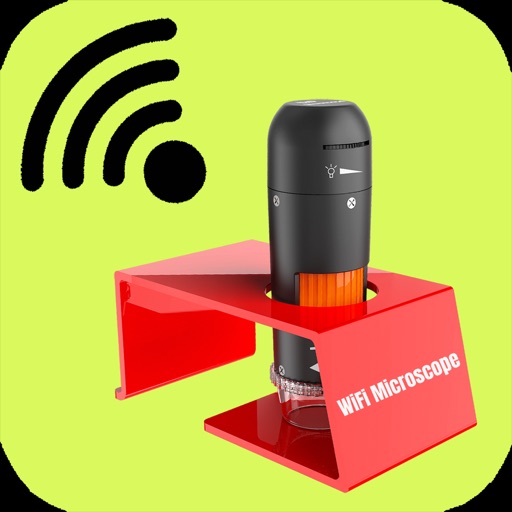
Observe microscope samples on iOS devices with high-quality magnification. Record video of observed objects. Share full-color images and videos with others. Connect to compatible pocket microscopes for real-time viewing.
by 华文 王★ 2.25 ratingsPhoto & VideoFreeData updated 2026-09-06
Capture photos using customizable templates like rule of thirds and diagonals. Access composition tips to improve framing. Adjust exposure, contrast, and color balance in editing mode. Share finished images directly to social media platforms.
Record and analyze vehicle performance data in real time. Overlay metrics on video footage. Edit and share videos with performance highlights. Sync data with cloud storage for backup and playback.
Record swings with AI-powered automatic video capture. Adjust recording speed and duration. Sync multiple iOS devices for multi-angle footage. Customize settings for different sports. Share videos directly from the .
Add padding, borders, and frames to photos for optimal platform fit. Adjust padding size and style. Export full-resolution images without quality loss. Process multiple photos in batches.
Capture photos with high-quality cameras on computers, smartphones, and tablets. Edit images with color enhancement tools. Record videos with the Movie button. Access panoramic views on the website for additional features.
Use a nearby iOS device as a wireless for video recordings. Adjust audio levels remotely. Connect and control the via Bluetooth. Record clear, high-quality sound up to 10 meters away. Sync with video apps for seamless audio integration.
Create entries with text, photos, videos, drawings, or voice recordings. Add time-sequenced events, organize with categories, and tag with keywords or people. View entries in photo/video slideshows or check map locations.
Convert photos to sketches and styles with AI-powered tools. Adjust line thickness, contrast, and color tones. Save and share edited images directly. Apply filters and export in various formats.