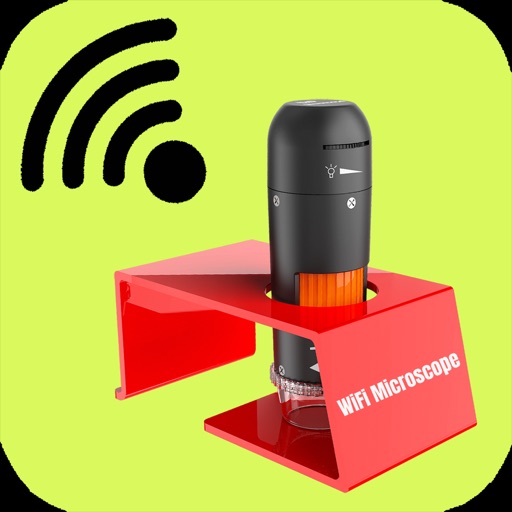
Observe microscope samples on iOS devices with high-quality magnification. Record video of observed objects. Share full-color images and videos with others. Connect to compatible pocket microscopes for real-time viewing.
by 华文 王★ 2.25 ratingsPhoto & VideoFreeData updated 2026-09-06
Faces in photos and videos using AI technology. Edit images by replacing faces with others. Adjust expressions and poses. Export edited content in various formats. Share transformed photos and videos directly.
Edit photos by touching areas to apply . Create mosaic effects by selecting and blurring sections. Edit videos by cutting scenes, rotating frames, and adjusting brightness and color. Save edited photos or videos with effects.
Record video from multiple cameras simultaneously. Switch between camera angles during recording. Capture selfies and scenery in one shot. Share videos directly to social platforms like Instagram and TikTok. Supports iPhone XR and newer models.
Record with one-tap start. Add real-time facecam reactions. Save recordings in high quality. Share directly via email or messaging apps. Manage recordings in a dedicated library.
Create slideshows with photo filters, transitions, and background music. Add text overlays and select from various templates. Export to Instagram, Facebook, YouTube, or email. Share directly or save as video files.
Edit photos with AI-powered unblurring, colorization, and face refinement. Restore damaged images and enhance group shots. Export in high definition and share directly.
Add fairy stickers to photos to create magical scenes. Save and share edited images. Access high-quality, real fairy stickers. Purchase additional characters for more customization.
Create and share short videos as animated GIFs or MP4. Capture frames with the or import photos, videos, or Live Photos. Apply real-time color filters, add text or frames, and choose stop motion or video mode.
Record video footage with real-time incident detection. Save and share clips. View GPS data and driving statistics. Set motion detection alerts. Export videos in multiple formats.
Offers full control over settings including white balance, exposure, ISO, shutter speed, and focus. It supports manual and automatic modes with priority options for ISO and shutter.
Create silhouettes from photos by converting images into vector outlines. Choose from pre-designed templates or customize shapes. Export silhouettes as SVG files or share directly. Design posters and decals using the tool.
Split large rectangular photos or panoramas into square images for . Upload individual tiles and watch them combine into a single image. Adjust scaling options for detailed viewing. Share high-quality images without resizing.
Create detailed artwork with realistic brushes and watercolor effects. Scale canvas up to 64 times with precise grid and pixel-level accuracy. Use over 80 brushes, erasers, smearing tools, rulers, cutters, fill tools, and color pickers.
Record gameplay and video with HD60 X or HD60 S+ cards. Connect to iPad for portable streaming and content creation. Support for external cameras and microphones. Adjust settings for resolution and frame rate. Save and share recordings directly.
Record videos with clear audio and full- capture. Add face cam reactions and audio commentary. Edit videos with trimming, effects, and filters. Share recordings directly or save in multiple formats.
Record video in low, medium, or high resolution with optional audio and image stabilization. Capture GPS location, speed, and timestamp. Play clips alongside maps with synchronized markers. Export videos with embedded map data and dynamic markers.