Store and organize music sheet files. Search by title or artist. Play sheets directly or download for offline use. Share sheets with others via email or cloud services. Adjust playback speed and transpose notes.
by CloudSpirit Limited★ 0.00 ratingsReferenceFreeData updated 2026-09-06
Stream music from a curated playlist. Discover new artists and tracks. Follow favorite artists for updates. Share music with friends. Access artist bios and event listings. Rate and review tracks. Save favorite songs for offline playback.
Play music with curated lo-fi playlists and background animations. Adjust volume and skip tracks. Set mood-based themes. Sync with devices and control playback remotely.
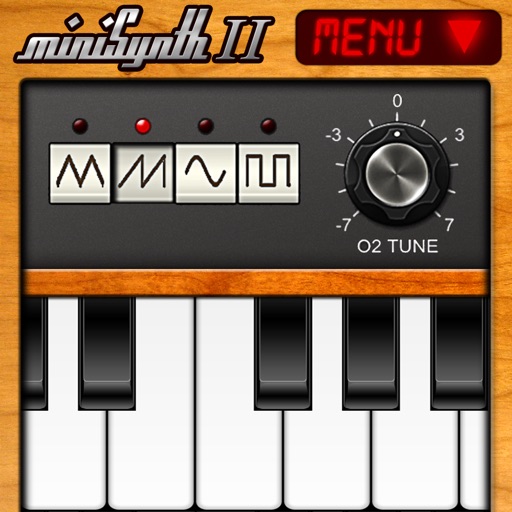
Create and edit music with a virtual synthesizer. Adjust waveforms, filters, and envelopes. Save and export audio files. Connect to MIDI devices. Share compositions directly.
Enhance audio playback with professional-grade equalization and spectrum visualization. Adjust 4-band parametric EQ settings. Create dynamic play queues with crossfading. Use ALX technology to stabilize volume levels between tracks.
Stream music from a curated playlist. Search for songs and artists. Create and manage playlists. Adjust playback settings and skip tracks. Sync device settings and access lyrics. Share music with others.
Stream music and community programs from Cullman Alabama. Access album artwork and artist info. Share the station on Facebook. Control playback from the lock screen. Enable sleep timer functionality.
Play two different simultaneously from one device. Switch between tracks, adjust volume for each stream, and control playback settings independently. Sync paired devices for shared listening.
Line dancers can search for songs and dances, join or create challenge lists, and share them with others. Rate dances and track skill levels for each song. Earn badges and awards for participation and improvement.
Turn your iPhone or iPod Touch into a musical instrument. Select chords and strum strings with fingers to create arpeggiated sounds. Edit and share songs, use MIDI support, and transpose notes with in- purchase.
Control multiple devices to play music in different rooms. Adjust volume and select sources per zone. Stream high-quality audio from devices or streaming services. Manage playlists and control playback across rooms.
Learn with tab notation and note system. Toggle melody and beat controls. Adjust playback speed. Record and playback sessions. Play songs without melody using tab and recording features.
Music playback on compatible audio devices. Stream from TIDAL, Qobuz, Deezer, vTuner, and local files. Access music stored on phones, PCs, and NAS. Play audio from networked devices using a mobile device.
Listen to Christian music and podcasts. Search for songs by title or story. Save favorite songs and artists. View event details and dates. Share personal stories and song recommendations.
Listen to festive music from around the world. Create and save custom Christmas stations by genre. Play songs with one tap and use a built-in sleep timer. Sync with device controls for playback.
Play a virtual accordion with realistic sound and touch controls. Create custom music tracks. Share performances via social media. Compete in online challenges. Adjust settings for sound quality and instrument customization.
Play from Dropbox, OneDrive, and Google Drive. Organize files, create playlists, and manage library. Support background playback and lock screen mode. Shuffle and repeat songs. Control playback with in- .
Stream music from the 1950s to 2000s. Search and play songs by artist or genre. Create custom playlists. Adjust equalizer settings. Sync with devices for offline listening.
Play notes by tapping the screen to create melodies. Adjust volume and pitch settings. Save and replay performances. Share recordings via social media links provided.
Play audio and video files in all major formats. Import and video files from device storage, cloud, or Wi-Fi. Organize content into playlists. Access a user-friendly interface for media management.