Track scores for sports, board games, and tournaments. Manage game details, update scores in real-time, and save game history. Share scores with others and customize team names and colors. Set reminders for game starts and ends.
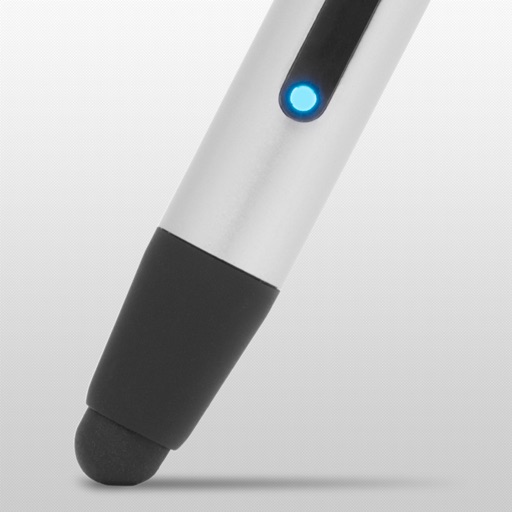
The app guides users through initial setup and connection of the Pogo Connect smart pen. It allows users to test pressure sensitivity, explore compatible applications, and configure the pen for different tips.
Play with customizable themes and exclusive events. Style numbers with 26 fonts and choose modern color schemes. Track progress and solve in varying difficulty levels. Share achievements and compete with friends.
Track game scores with customizable scoreboards. Create multiple boards with team names and colors. Set increments and large fonts for visibility. No ads. Monitor progress across different games.
For pre-school offers animated tools like pencil, felt-tip pen, brush, and glitter. Save completed drawings to the gallery. Encourages creativity and fine motor skill development through interactive activities.
Track scores in multiplayer games with real-time updates. Add players, manage turns, and calculate points automatically. Share scores via social media or email. Support for card, desk, and sports games.
Write on PDFs, create notebooks with customizable templates, sketch notes on a large freeform canvas, and take notes on vertically extended pages. Organize content across different document types and layouts.
Create and edit musical scores using Apple Pencil, finger, or stylus. Organize compositions in folders. Use templates or import custom paper. Share or print scores as PDF. Copy and paste sections for editing.
Write notes and sketches using a black pen. Erase and redraw freely. Save notes to the device. Share notes via email or messaging. Adjust text size and color. Use as a memo pad or idea journal.
Create and edit handwritten notes and sketches on virtual paper, WhiteBoards, PDFs, images, and Microsoft Office documents. Zoom in and out extensively for detailed work. Sync notes between iPad and iPhone using iCloud.
Listen to Qur'an translations in Turkish with detailed surah explanations and verse interpretations. Access audio content anytime, anywhere. Follow Cemal Külünkoğlu's unique commentary style. Save and organize favorite verses for later listening.