Create iPhone frames around images and videos. Add mockups to showcase website and prototypes. Combine multiple device views into one image. Save up to three images daily. Apply templates to enhance visual presentation.
Edit photos and videos with advanced auto enhance tools, double exposure, and 425 special light effects. Apply filters, add stickers, typography, and vignettes.
The app converts BMP, JPG, JPEG, GIF, PCX, PNG, TIF, and TIFF formats to PDF. Users can convert single images or entire folders, creating separate or consolidated PDF files.
Edit curves and enhance muscle definition using AI tools. Adjust skin texture and remove imions. Generate AI images with customizable styles. Save and share edited photos in various formats.
View and edit JSON files with a table or syntax-highlighted text view. Switch between files or objects using tabs. Compare JSON documents in split views. Open files via Share Sheet or URL schemes. Use Siri Shortcuts for quick access.
Create unique stickers by deconstructing and mixing elements. Edit emojis with style switches and custom text. Merge emojis to form new expressions. Design personalized avatars and wallpapers with customizable options.
Learn SwiftUI with interactive examples and code snippets for components like Sliders, Toggles, Lists, and Grids. Explore foundational elements such as Colors, Fonts, Haptics, Gestures, Animation, SF Symbols, and Accessibility.
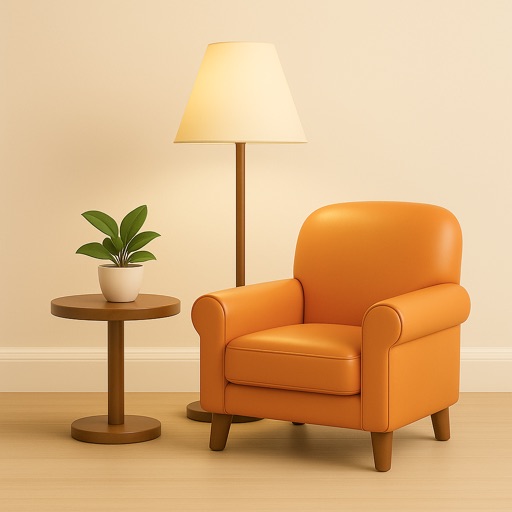
AI generates interior plans based on user input. Users can customize room layouts, select furniture, and adjust color schemes. The allows quick style switching and item replacement. Designs can be saved and shared for review.
Edit photos by selecting images from the library and using an adjustable brush tool to mark areas for removal. The employs inpainting algorithms to seamlessly eliminate unwanted elements and blend the background.
Create stories with character animations and interactive elements. Customize character movements, expressions, and appearance. Add dialogue and build scenes using a variety of tools and assets. Share finished creations directly.
Remove backgrounds from images using AI technology. Edit and generate new backgrounds. Create transparent images for social media, e-commerce, and design projects. Tap to remove backgrounds automatically.
Create and organize notes with a freeform canvas for sketching, annotating PDFs, and journaling. Use AI to generate text from handwriting, search notes by content, and structure ideas with tags and folders.