Create and test mathematical algorithms with a powerful computational engine. Build interactive plots and animations. Execute code and view results in real-time. Share calculations and export data in multiple formats.
Build and customize PCs using real-world components. Learn to assemble hardware step-by-step with detailed instructions. Repair different PC models and manage component compatibility. Track progress and upgrade systems over time.
Learn through gamified challenges and progress tracking. Complete daily tasks to earn rewards and unlock lessons. Track improvements in health, business mindset, relationships, and social skills.
Convert printed text to speech by photographing documents, letters, or test papers. Select text with finger or stylus to hear it spoken aloud. Supports multiple languages without internet connection.
Turn iPad into a wireless whiteboard. Annotate PDFs and images live by projecting them to a computer on the same network. Draw, write, and highlight in real time using the iPad's screen. Share annotations directly from the web browser.
Learn vocabulary through an interactive 3D environment. Tap objects to discover their names and pronunciations. Practice speaking with real-time feedback. Complete quests to reinforce skills. Track progress and review words for retention.
The app offers access to Temple University information, including class schedules, grades, and campus events. It provides a campus map and directory, along with access to TUmail and Blackboard.
Create circuits using logic gates and basic building blocks. Wire components on a flexible plane. Simulate real-time behavior. Learn fundamental concepts of engineering and computer science.
Learn and practice with guided lessons, character and word drills, and phrase exercises. Track progress with speed indicators and adjust practice difficulty. Access a reference guide and detailed instructions for accurate learning.
The app offers detailed neuroanatomy with 360-degree rotation, tri-planar slices, and 728 labeled parts. It includes functional and disease state animations, plus interactive quizzes for learning.
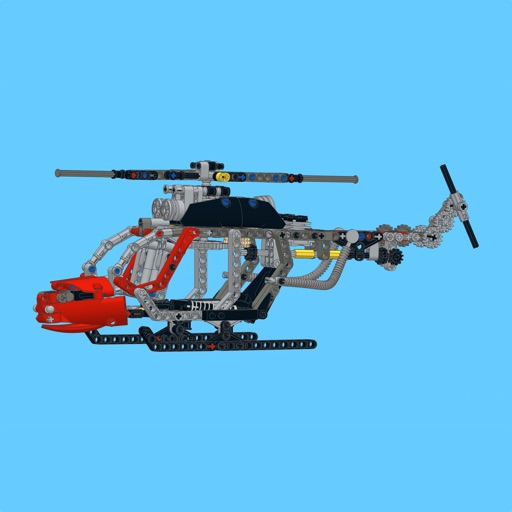
Build a using detailed step-by-step guides, part lists, and large images. Highlight new parts with a button. Follow similar to official manuals. Share feedback to help improve future MOCs.
Users can explore interactive lessons and training sessions in AR or VR. Engage in group or individual learning activities. Create content using mobile devices or headsets. Access a library of pre-built educational resources.