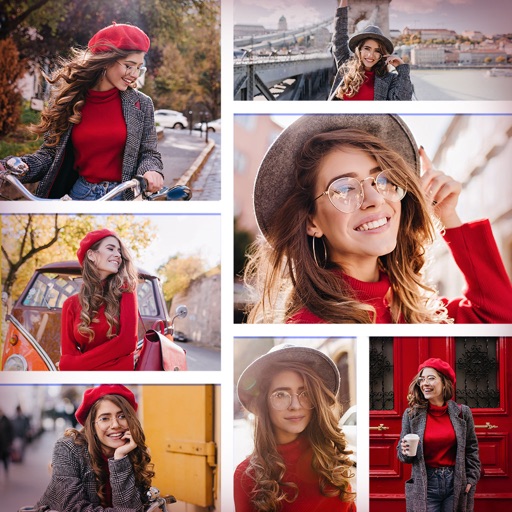
Create collages by combining multiple photos and videos. Choose from , poster, or editor modes. Adjust layouts, add effects, and stitch content together. Edit images with filters, cropping, and text overlays.
AI-powered photo curation selects and crops images from your album. Users can customize timelines to explore photos. Intelligent cropping allows sharing as live wallpaper, collage, composite, or individual images.
Create flyers, posters, logos, and social media graphics with customizable fonts, filters, shapes, and artwork. Add text, adjust colors, and export designs for print or online use.
Edit photos with filters, effects, and adjustments. Add text with multiple fonts, colors, and effects. Overlay text or add captions and 3D text. Include stickers, artwork, and frames. Create collages and personalize cards with photos.
The app allows users to combine multiple photos into one collage with captions. It offers various layouts, fonts, and colors for text, along with photo effects and editing tools like rotation and resizing.
Create social media content with customizable canvas sizes and editing tools. Add text, stickers, and filters to , stories, and posts. Export and share directly to Instagram, TikTok, Snapchat, Facebook, and other platforms.
Create collages using pre-designed templates and personal photos. Sort images by color to filter matching photos. View and photo library simultaneously for easy arrangement. Add web images directly from the . Export and share finished collages.
Edit photos and videos for social media with adjustable crop ratios and aspect ratios. Save edited content to device and share directly. Create Instagram stories with customizable and add hashtags. Generate collages with multiple image layouts.
The app allows users to create picture collages with various styles like Picture Pile, Picture Grid, and Mosaic. Users can add text, exchange pictures by dragging, and pan or zoom individual images within frames.