Control device operations by pairing with a specific set-top box. Send commands to navigate menus, adjust volume, and control playback. Function only when connected to the same local network as the set-top box.
by 卫民 陈★ 0.00 ratingsUtilitiesFreeData updated 2026-09-06
Across devices to amplify volume through connected speakers and friends' phones. Play YouTube and SoundCloud content. Collaborate on playlists and control playback with multiple users. Share audio output with Bluetooth devices.
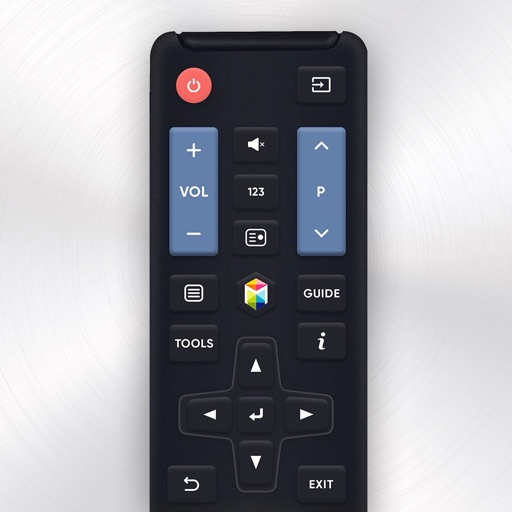
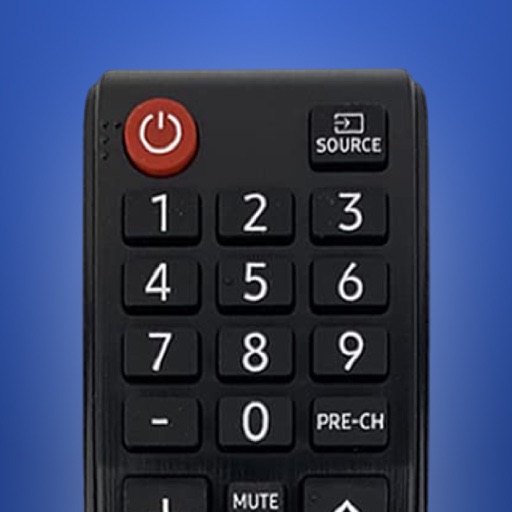
Control Samsung TV via iPhone or iPad on the same Wi-Fi network. Navigate menus, adjust volume, and use a touchpad for precise movement. Access voice commands and customize button layouts for different TV models.
Control TV functions remotely via Wi-Fi network. Turn TV on/off, change channels, adjust volume, and manage playback. Includes touchpad and voice input for navigation. Replace lost without leaving home.
Control devices via infrared signals and network commands. Send keystrokes to computers. Adjust volume and media playback. Manage smart home devices. Create custom layouts. Sync with Server for advanced setup.
Allows users to adjust volume, change channels, and playback. Launch apps, navigate menus with swipe gestures, and type using a phone keyboard. Connect via Wi-Fi for quick pairing.
Control TV remotely using an iPhone. Adjust volume, change channels, browse content, and navigate menus. Connect to the same Wi-Fi network for seamless control.
Control TV functions remotely via smartphone. Navigate menus, adjust volume, and select channels. Pair with devices like TCL, Hisense, Philips, JVC, Sharp, and Sanyo. Access built-in apps and manage playback settings directly from the .
Control playback and navigate TV menus using your smartphone or tablet. Search for content and launch streaming services directly. Adjust volume and settings remotely. Sync with device for seamless interaction.
Manage smart home devices with remote control, automation, and scene setup. Adjust lighting, power, and security settings. Use FastCon for quick device pairing. Monitor sensors and control IR/RF devices. Set triggers for automated actions.
Provide calming fan like box fan and white noise. Adjust volume and play/pause. Run efficiently to keep device cool during long use. No complex settings or extra features.
Control Smart TV functions using a phone. Access buttons for power, volume, and channel navigation. Support for LG, Roku, Samsung, Sony, and Philips models. Pair with TV via infrared or network connection.
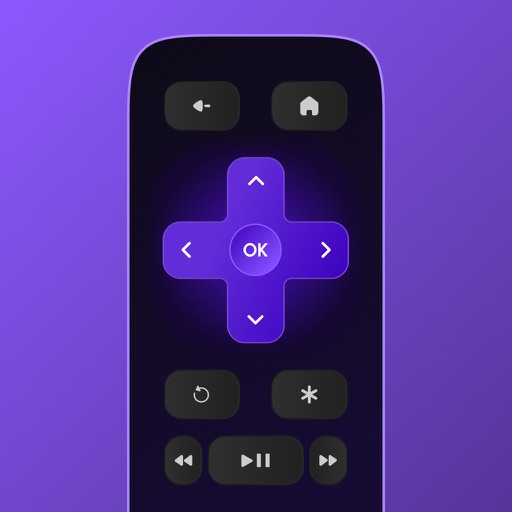
Control Roku device remotely via Wi-Fi. Navigate channels, adjust volume, and manage playback. Access keyboard for text input. View and control screen mirroring sessions. Manage playback settings and system menus.
Access real-time box office data instantly. Track ticket sales, seating rates, and showtimes. Compare films and analyze marketing effectiveness. Retrieve detailed industry reports and filmographies.
Customize audio settings with step-by-step guidance. Adjust equalizer presets and sound profiles. Sync with compatible devices for seamless playback. Manage connected devices and control audio output directly.
Control Smart TV with iPhone as a . Type using full keyboard, navigate with precision touchpad, and launch apps like Netflix, Disney+, and Spotify. Adjust volume, change channels, power on/off TV, and navigate menus easily.
Smart TVs with on-screen buttons and voice commands. Switch inputs, adjust volume, and navigate menus. Manage multiple devices in one interface. Receive AI-based recommendations for content and settings.
Control environment with sunrise alarms and ambient sounds. Adjust brightness and white noise settings. Track patterns and set bedtime routines. Sync with compatible devices for consistent support.
Control TV functions remotely via iPhone. Adjust volume, change channels, and navigate menus. Automatically detects compatible TVs over WiFi or Ethernet. No setup required if TV is powered on.
Control TV with power, volume, channel, and arrow keys. Access home, return, mute, and option functions. Use on-screen keyboard for input. Connect via local Wi-Fi network.
Your TV using an iPhone without a physical . Connect to the same Wi-Fi network for automatic discovery and instant pairing. Adjust power, volume, mute, and input selection. Navigate menus and access installed apps directly from the iPhone.