Record videos with clear audio and full- capture. Add face cam reactions and audio commentary. Edit videos with trimming, effects, and filters. Share recordings directly or save in multiple formats.
View live video from one or multiple security cameras and monitor DVRs/NVRs at multiple locations. Control pan tilt zoom cameras remotely. Listen to live audio and conduct two-way conversations with cameras equipped with microphones.
Monitor live video and audio feeds from multiple webcams over WiFi and cellular networks. View and download cloud-stored event backups from iCamSource Pro. Control camera settings and receive real-time alerts for motion or sound detection.
Connect to TENVIS cameras using QR code scanning. View live and recorded video streams. Save clips and receive push notifications. Control camera settings remotely. Monitor home security from iPhone or iPad.
Record income and expenditure with categorized entries. View detailed logs of transactions. Adjust settings for preferences. Access terms of use via provided link.
Watch live feeds from connected cameras. Access and manage recorded videos stored in the or on edge devices. Receive alerts for motion or I/O trigger events. Adjust camera settings for motion detection and recording schedules.
Record audio and video content for conversations and meetings. Store files in a section with date-time ordered listings. Secure recordings with a password. Rename or delete files as needed. Useful for preserving key discussions during negotiations.
The app allows users to view live video and control pan/tilt/zoom functions for Hanwha Techwin's security network products. Users can search and playback video from anywhere using their smartphone with the app.
View live video from multiple cameras. Access recorded footage and playback timelines. Adjust camera settings and receive motion alerts. Control PTZ cameras for remote viewing and monitoring. Manage user permissions and system settings through the .
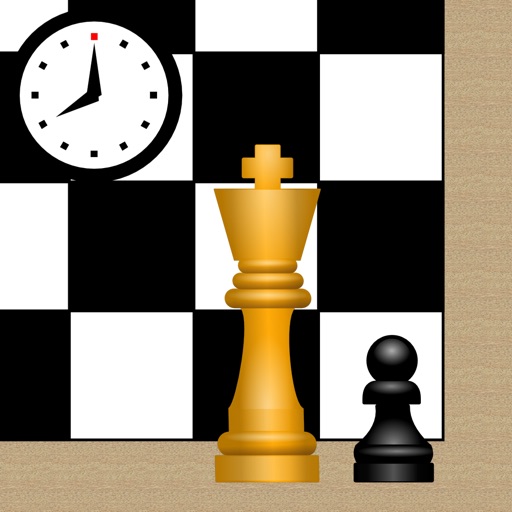
Play or checkers on a customizable with free piece movement. Add or remove pieces and undo/redo moves. Rotate the or individual pieces. Save or load game positions and delete them by swiping. Use a configurable clock with adjustable time settings.