Apps Like MelodyBud Generative Sequencer for iPhone and iPad
Sequence and randomize MIDI notes
Create and edit MIDI sequences with sequencing. Randomize notes, velocity, octave, and gate length. Add ratchets and glide effects. Set individual randomization values for steps using parameter-locking. Adjust and refine sequences step by step.
by Cem Olcay★ 4.513 ratingsMusic$6.99Data updated 2026-10-26
Plugin for AUM. Supports 16 tracks with unlimited length and 16 output ports. Import and manage clips via Media Bay. Drag and drop clips to build songs. Direct output to multiple channels.
The app provides a MIDI controller for performing tracks on a phone or tablet. It offers 64 buttons on an 8x8 grid, scene launch buttons, navigation, and transport controls.
Create and manipulate monophonic bass sounds with a synthesizer featuring 140+ factory presets. Apply stereo effects and control via ROLI Seaboard or other MPE controllers.
Create and edit patterns with polyrhythmic tracks. Add bass and lead synths. Use audio unit support and new FX modules. Import and export projects. Playback and record loops. Retain compatibility with DM1 song files.
Create chord progressions using a . Explore over 40 scales with visual representation. View chords within selected scales and compare or borrow chords between scales. Adjust key settings and generate scale-based chord sequences.
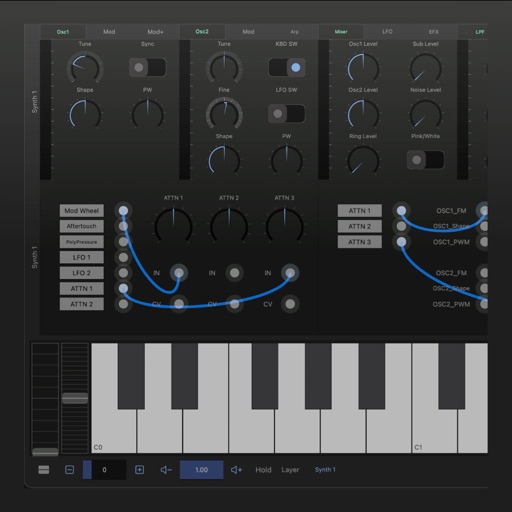
A synthesizer with 16 voice polyphonic capabilities. Users can create sounds using two oscillators per voice, adjust ADSR envelopes, apply filters, and control amplification. Includes effects, a sequencer, and audio visualization.
Create and edit music using a modular synthesizer with a pattern-based sequencer. Import XM and MOD files. Record audio via microphone or line input. Export multitrack WAV files. Support 16/24/32bit audio formats and MIDI input/output.
Add reverberation to recordings using mono/stereo to stereo algorithmic . Choose from presets simulating small to large rooms. Compare edits with A/B functionality. Undo or redo changes. Adjust parameters for precise control.
Create and manipulate sounds using oscillator algorithms. Select oscillator types to shape tones. Adjust parameters for fine-tuning. Save and recall presets. Export audio files directly. Integrate with hosts for sound design.
Create and manipulate sound using FM synthesis and waveshaping techniques. Adjust oscillator parameters, filter settings, and envelope shapes. Save and load presets. Integrate with Logic Pro, GarageBand, and other AUv3 compatible hosts.
Access and customize Tera Pro sounds with adjustable parameters for tone and structure. Explore morphing between sounds to create new variations. Integrate with Tera Pro for expanded sound design capabilities.
Create progressions using emoji-based harmony engine. Select chords and receive suggested next chords in your chosen style. Explore different musical styles and build sequences without theory knowledge. Export progressions and share directly.
Add warmth and noise to audio with . Apply saturation, wow, and flutter effects. Adjust parameters for lofi or distorted sounds. Use as a master effect or channel insert. Export modified audio files.