Vehicle times with precise millisecond accuracy. Compare results with other users in real time. Save and view data for different car models. Share times on a leaderboard.
The app measures Wi-Fi and mobile internet speed, including download, upload, and ping. It helps identify and improve Wi-Fi connection issues by comparing actual speed to the router's maximum.
Test device performance with guided semi-automatic mode or select tests. View clear instructions and results. Share findings with potential buyers or evaluate used devices before purchase.
Measure upload and download speeds for 2G, 3G, 4G, and Wi-Fi networks with one click. network delay and results. Perform ping, nslookup, whois, and Wi-Fi LAN scans to analyze network performance.
Check internet with download and upload tests. Measure ping latency for Wi-Fi and cellular connections. Toggle VPN on or off with a single tap for basic network protection.
Provides GPS navigation with fast lock time and precise parameters. Supports multiple systems including GPS, Galileo, GLONASS, and QZSS. Diagnoses location issues and suggests fixes. Includes latitude, longitude, and WGS84 by default.
Manage multiple aquariums with unlimited setup options. Track parameter test results and customize settings for each. Access a detailed library of fish, coral, invertebrates, and plants with compatibility guidance. Available in 13 languages.
Scan wireless networks to identify connected devices and hidden equipment. Copy MAC addresses for tracking. Perform speed tests for internet and local networks. Measure ping times to assess connection quality.
Record fuel efficiency by entering trip distance and fuel amount. Track multiple vehicles and sort data by groups. Log entries via odometer or trip meter. Export data to HTML or CSV.
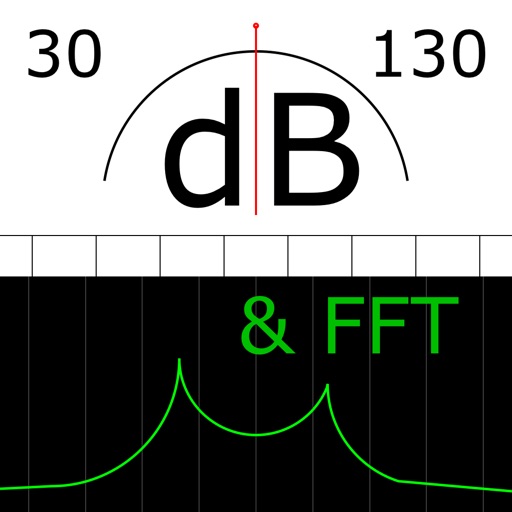
The app measures sound levels using a digital display for sound power and an analog display for fast mode. It also features real-time FFT frequency analysis with highlighted predominant frequencies and their power.
Control and monitor your smart home network. Manage parental controls, create guest networks, and run speed tests. View connected devices, track network usage, and adjust settings remotely.
Study for IT certifications with real exam simulations. Access updated practice tests and . Review answers and explanations. Track progress and identify weak areas. Simulate exam conditions for preparation.