Create abstract art by drawing shapes that auto-connect and fill with random procedural patterns. Use Auto Draw to generate unique compositions in real time. Watch animations transform your artwork into kaleidoscopic designs.
by Jason K Smith★ 4.936 ratingsEntertainmentFreeData updated 2026-09-06
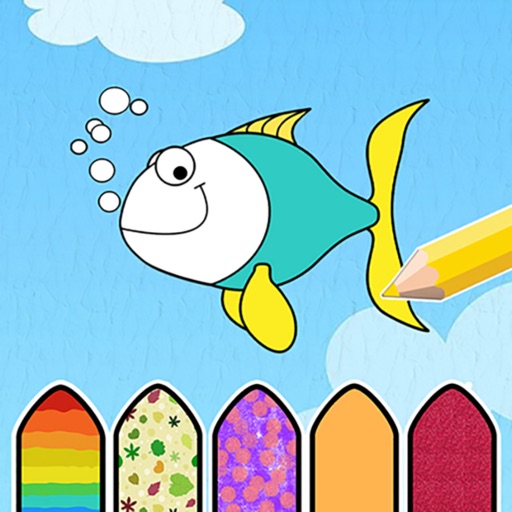
Children can draw and color using 8 different brushes including crayon, pencil, paintbrush, paintball, chalk, sponge, stickers, and stars. They can choose from over 100 pages. The includes fun effects, sounds, and stickers to enhance creativity.
To with structured tutorials and daily practice exercises. Follow step-by-step guides to create illustrations. Access a variety of drawing tools and customize your workspace. Save and review progress to track skill development over time.
Create images, drawings, and paintings with customizable brush settings including thickness, color, transparency, and dynamic intensity. Sketch and modify simple graphics for logos, clothing, hairstyles, and more.
Draw and paint using glowing colors. Use photos as backgrounds or create from scratch. Save artwork to camera roll. Share via email, message, Facebook, or Twitter. Access multiple undo levels. Learn color theory through interactive features.
Create digital art using tools like paper, brushes, pencils, pens, and markers. Adjust brush pressure and opacity. Layer artwork and apply textures. Export in various formats and share directly.
Create and color images using tools and templates. Draw lines and shapes to modify pictures. Save and share completed artwork. Includes pages for coloring and creative activities.
Can and color with tools like pencils, brushes, and crayons. They can create paintings of animals, fruits, and vehicles. Includes pages for princesses and toddlers. Features a drawing book and creative doodling options.
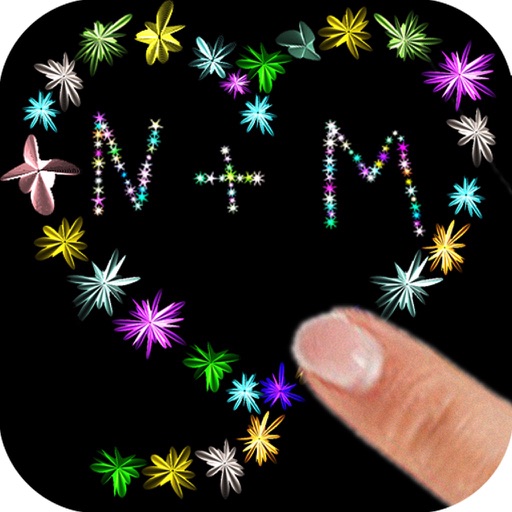
The app allows users to paint with their fingers, choosing colors and sizes to create art. Users can draw shapes and names with random flower colors, then save the drawing to their photo gallery.
Kids can color, draw, and decorate with various brushes, crayons, and pencils. They can use stickers and graphics of animals, vehicles, insects, fruits, and food from multiple galleries.
Draw and with customizable brushes and layers. Edit images with adjustment tools and filters. Import and export files in various formats. Use gesture controls for quick navigation and editing.
Save multiple name lists and teams. Tap to randomly select a name from the list. Use standard draw mode for quick random selection. Export results or share directly.
Teaches early childhood skills through interactive stories and games. Includes phonics, numbers, colors, and shapes. Features animated characters, progress tracking, and parental controls. Syncs with educational standards and offers offline access.
Backgrounds from photos with precision, save images with transparent backgrounds, or replace them with custom ones. Edit photos by adding filters, drawing, inserting text, and applying stickers to create professional images and social media content.
Create custom black-and-white line drawings using AI prompts. Draw freely with customizable tools. Access a global community for sharing and feedback. Save and export artwork in various formats.
Create stickmen using drawing tools and customize appearances. Navigate a storybook world with puzzles and mysteries. Unlock secrets, collect drawings, and share creations. Add sound effects and animations to drawings. Save and revisit progress.
Draw and color images of and vegetables with a variety of colors. Choose from 50 different doodles. Save and load pages. Includes educational content for toddlers.