Create abstract art by drawing shapes that auto-connect and fill with random procedural patterns. Use Auto Draw to generate unique compositions in real time. Watch animations transform your artwork into kaleidoscopic designs.
by Jason K Smith★ 4.936 ratingsEntertainmentFreeData updated 2026-09-06
Test your drawing skills by mimicking virtual signs to navigate a colorful, ever-changing cyber world. Collect bytes and interact with audiovisual elements. symbols to progress through relaxing, hypnotic environments.
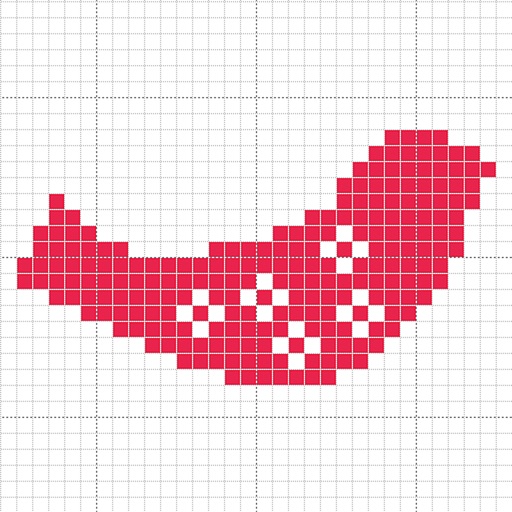
Create custom charts for crafts like cross stitch, bead weaving, knitting, and pixel art. Draw dotted images and design patterns with an intuitive touch interface. Export charts for use in projects.
Children can draw using step-by-step templates in cartoon and kawaii style. They can choose colors, add stickers, and save their artwork. The includes guided exercises and a safe, child-friendly interface.
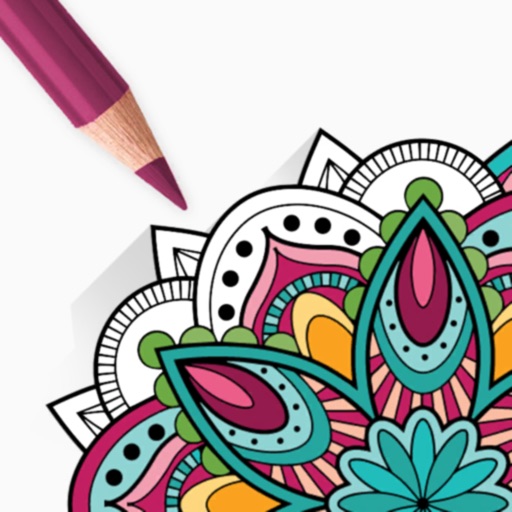
Create mandalas using watercolor, crayon, and oil paint tools. Add glitters for sparkle effects. Choose from anti-stress coloring pages and creative templates. Save and share finished artwork.
Drawing techniques through step-by-step lessons. Create and customize sketches with various tools. Access coloring features and save artwork. Share drawings directly from the . Track progress and revisit previous lessons.
Create fractal art using mathematical equations. Generate intricate patterns with customizable parameters. Adjust color, scale, and iterations. Save and export designs in various formats. Share creations directly from the .
Draw on a using colored chalks with optional texture. Create unlimited blackboards with adjustable brush sizes and four background styles. Share drawings to Instagram.
Creative drawing tools allow users to draw, color, and design with brushes, textures, and shapes. Access a variety of pages featuring animals and educational themes. Erase, resize, and customize artwork. Save and share completed drawings.
Draw sketches using brushes and tools with support for Apple Pencil. Create layered artwork and zoom for detailed painting. Import and export vector images in PDF, PNG, and JPEG formats. Use color or photo backgrounds. Save artwork for later.
Receive a new shape daily to use as a creative foundation. on the shape with customizable colors and tools. Save, share, or export artwork in various formats. Access daily prompts to inspire artistic exploration.
Create and manipulate fluid simulations with touch gestures. Adjust colors, viscosity, and motion speed. Save and share fluid art. Relax with calming effects or explore dynamic, interactive patterns.
Create that pop with sound, float across the screen, and fall due to gravity. Draw letters, numbers, and shapes with touch input. Interact by touching to move and explore simple drawing features.
Convert photos and videos into paintings or hand-drawn animations using AI. Apply sketching or painting styles with adjustable textures. Save the artwork process as a video. Choose from five standard art tools.
Create drawings with customizable brush colors and sizes. Select from 60 color options for background and brush. Save or share artwork. Use random mode to change brush size or color automatically. Access 20 levels of undo.