Apps Like Calligraphy Master: Cursive for iPhone and iPad
Generate font templates
Create custom font templates with hundreds of styles including Copperplate, Italic, and Gothic. Export and print practice sheets as needed. Use Apple Pencil for precise stroke control on iPad.
by Hangzhou Good Play Network Technology Co., Ltd★ 4.32,360 ratingsUtilitiesFreeData updated 2026-09-06
The app offers an unlimited size canvas and layers for creative freedom. It includes over 100 preset brushes simulating various painting styles and allows playback of the entire painting process.
Learn and execute bash scripts with code editing features. Edit scripts with auto-complete, auto-indent, and color coding. Run selected text in a built-in browser or text editor. Adjust font size and color.
Create and customize branding materials with drag-and-drop tools. Access a library of over 1 million customizable designs. Use 200+ fonts across 9 families. Export in multiple formats. Share designs directly from the .
Take notes with handwriting, typing, or PDF annotations. Use customizable covers and templates. Choose from 10+ pens and brushes. Adjust pen thickness and color. Draw shapes and lines. Export notes in multiple formats.
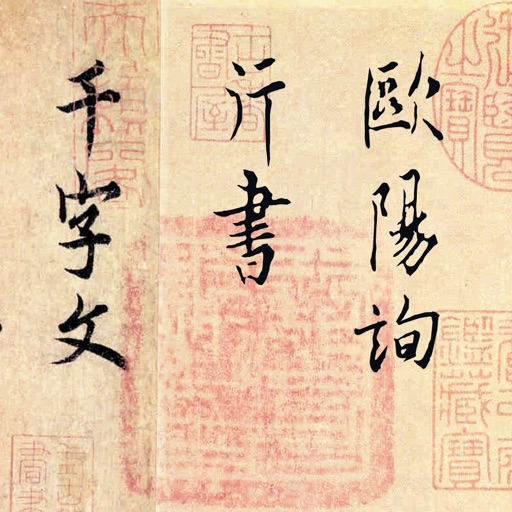
The app presents an ink copy of the Thousand Character Essay by Ouyang Xun. It allows single-tap practice of characters and phrases, with annotations and demonstrations.
Learn characters with guidance. Search by English word, character, or voice. View sequences and practice writing. Receive feedback on character structure and penmanship. Track progress and revisit characters for review.
Draw on a or whiteboard with adjustable brush sizes and multiple paint colors. Create shapes like lines, arrows, circles, and polygons. Add text with customizable font sizes. Import photos and record video directly within the .
Customize text with a wide range of and emojis. Choose from various styles including cursive, gothic, and text art. Add emojis to messages and social media posts. Edit and format text directly on the . Share formatted text across platforms.
Create avatars by selecting a photo and trimming it. Add a text stroke with customizable font, color, and frame size. Save the design for use on without ads or watermarks.