Capture photos with chromatic aberration and grain
Capture photos with a realistic interface. Adjust focus by tapping. Use manual or automatic wind with force feedback. Apply chromatic aberration and grain effects. Choose development time settings. Preview photos instantly.
Break photos into pieces and rearrange them to create unique visual content. Upload customized images to social media to enhance online presence. Share interactive, artistic posts that stand out in feeds.
Enhance images with one tap using 16 . Apply effects and adjust brightness, contrast, and saturation. Share photos directly to Instagram, Facebook, and Snapchat. Export edited images in various formats.
Create animated GIFs and stop motion videos with real-time rendering. Add, remove, and reorder frames during editing. Adjust speed, duration, and play mode. Add music and apply filters. Export and share finished projects.
Edit images with brightness, contrast, and other adjustment tools. Import photos and place them in customizable Story templates. Create gradients and use the dropper tool to match colors. Share edited content directly to Instagram .
Create slideshows with photo filters, transitions, and background music. Add text overlays and select from various templates. Export to Instagram, Facebook, YouTube, or email. Share directly or save as video files.
Create and style photos with single tap effects. Apply 8 filters including , Cartoon, and Dots. Share images to social media or save to photo library. Print photos directly.
Take black and white photos with live preview. Use colored lens filters and professional conversion filters. Adjust contrast, brightness, and exposure in real time. Add film grain and black vignetting.
Nd apply custom hashtags and captions using AI. Track real-time virality scores for posts to gauge potential engagement. Schedule and manage Instagram stories and posts. Analyze performance metrics for each publication.
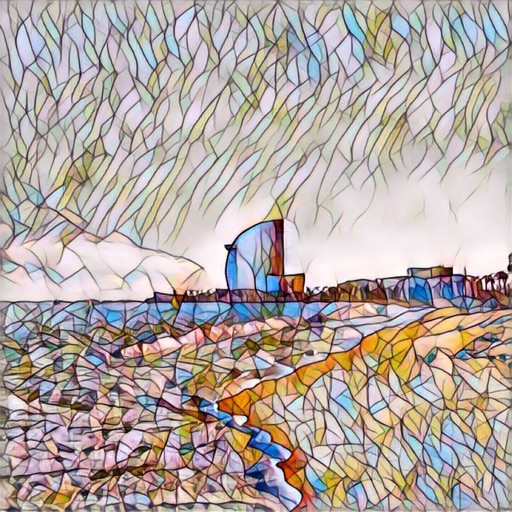
Edit photos with a wide range of effects, from basic adjustments to advanced graphic transformations. Repaint images using various brushes and import Photoshop brushes. Share edited photos on Instagram with the # tag.
Resize photos to custom dimensions for social media, websites, and emails. Adjust sizes via slider or manual input. Access photos from camera, files, or web links. Save edits to history and share directly or store in photos.
Create and edit videos with real-time , audio reactivity, and filter presets. Layer to customize content. single-clip videos and share photos and videos with the #generateapp hashtag for curation.