

Apps Like Subtitle Editor: Auto Captions for iPhone and iPad
Add subtitles to your videos
Subtitles automatically generate text from video audio in multiple languages. Users can upload videos, edit timing, and customize styles including color, font, and position. Export subtitles as SRT files or embed them in videos.
Ranked alternatives
Showing 561–580 of 1,000 ranked alternatives.




Video Text Editor
Voxeloid Kft.
Add to videos and animate captions
Add to videos with animation options. Customize size, color, opacity, and background of captions. Animate line by line, word by word, or character by character. Adjust timing and speed. Position and rotate freely. Add multiple captions per .

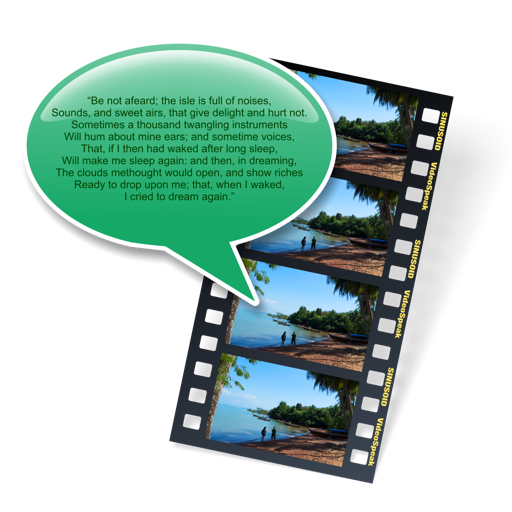
VideoSpeak
Sinusoid Pty Ltd
Add speech tracks to videos easily.
The app allows users to add synthesized speech audio tracks to videos without a microphone. Users can choose from multiple MacOS voices and export the video as a Quicktime movie file.


Hey Camera
Ross Martin
Capture photos and videos with voice commands
Capture photos and videos using voice commands. Take a photo, start or stop video recording, reverse the , and enable or disable the flash. Voice recognition works offline on iOS 13 and higher. Configure custom phrases for commands.


SubtitleManager
BoHoon Kim
Convert and adjust subtitle files easily.
The app converts and adjusts subtitle files. It allows previewing subtitles with or without video files.


Video Editor Pro: Merge Videos
Vendi Mobile Technologies Private Limited
Edit , clips, add text and animations
Edit by merging multiple clips, rearranging, and removing sections. Add multiple text messages with animation, custom fonts, and styling options including stroke, shadow, and background. Export final edits.


Speech Bubble Maker: Pic Talk
Zipo Apps Ltd.
Add bubbles to your photos
Add bubbles to photos to create engaging stories. Edit text, adjust fonts, and customize styles. Share edited images directly or save for later.
How we rank alternatives
Apps are ranked by functional similarity, category fit, rating confidence, and popularity.