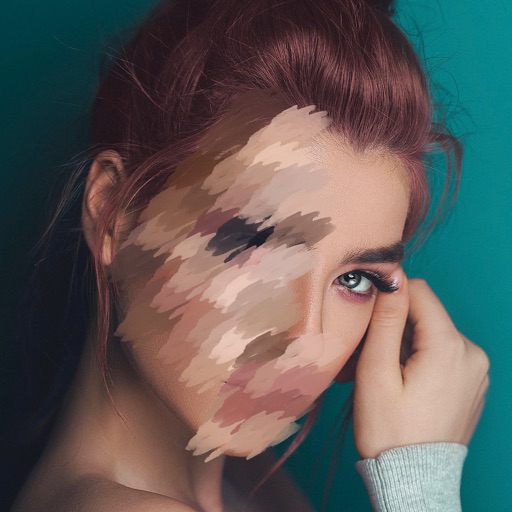
Apply to videos to obscure personal details or create artistic effects. Adjust intensity and select areas to . Export edited videos in various formats and share directly.
by Le Giang Nam★ 4.4105 ratingsGraphics & DesignFreeData updated 2026-09-06
Convert photos into Anime-style artworks, professional headshots, or realistic AI videos. Edit generated images, adjust styles, and export in various formats. Share directly or integrate with social media platforms.
Remove unwanted people and blemishes from photos or videos by painting and erasing. Edit images with AI tools, add text, filters, and effects. Adjust facial features like face shape, forehead, chin, and cheeks.
Edit photos with finger-tracing and mosaic effects. Apply multiple layers of and mosaic styles. Crop processed images to custom sizes. Export edited photos in various formats.
Edit photos by touching areas to apply . Create mosaic effects by selecting and blurring sections. Edit videos by cutting scenes, rotating frames, and adjusting brightness and color. Save edited photos or videos with effects.
Photos and videos using AI to expand images, remove objects, and replace or blur backgrounds. Enhance image quality, restore old photos, and create AI-generated scenes. Share edited content directly to Instagram.
Edit videos to obscure sensitive details like faces, eyes, and license plates. Apply pixelation or with a single tap. Work locally without cloud storage. Save and share edited videos directly.
Selective coloring allows users to add to specific image areas against a monochrome background. Recolor tools enable adjustments to hair and eye colors. Users can apply advanced editing options to enhance and customize their photos.
Create graphics and animations with multiple layers of video, graphics, and audio. Edit vector and bitmap elements directly on your device. Use 160+ effect building blocks to design complex visual effects.
Allows users to apply effects to backgrounds. Select images from the gallery or capture new photos. Use multiple blurring tools to adjust the effect. Export edited images directly.
Capture photos and videos with manual controls for ISO, shutter speed, and white balance. Shoot in RAW format for detailed editing. Apply advanced effects and instant color grading. Use professional filters to enhance visuals.
Edit photos with effect and features. backgrounds and apply black-and-white conversion. Select areas for contrast. Zoom with two-finger pinching. Adjust brush size, opacity, and offset. Export edited images.
Apply to photos with one tap. Choose from Gaussian or zoom styles. Adjust intensity and area of focus. Export edited images in various formats and share directly.
Edit photos and videos with customizable , presets, and effects. Add grain, dust, blur, and dark effects. Adjust colors and create atmospheric effects. Share edited content directly.
Record videos and photos from the device camera or camera roll. Arrange and trim clips. Add text titles and captions. Apply styles and transitions. Export videos in various formats and share directly.
Edit photos and videos with advanced auto enhance tools, double exposure, and 425 special light effects. Apply filters, add stickers, typography, and vignettes.
Edit photos by blurring backgrounds, faces, or specific subjects. Apply various effects and filters. Save edited images to the camera roll or share them directly.