Create custom guitar distortion effects using emulated circuits from various sources. Adjust tone shaping parameters and combine effects in a chain. Export presets and apply to audio tracks in DAWs.
by Jatin Chowdhury★ 4.943 ratingsMusicFreeData updated 2026-09-06
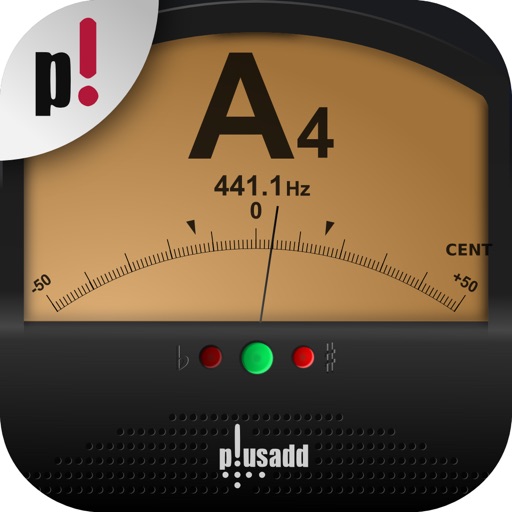
Allows users to tune instruments using the device's microphone. It supports custom temperaments and transposition. Features include solfège notation, adjustable calibration, and a spectrum power indicator for sound visualization.
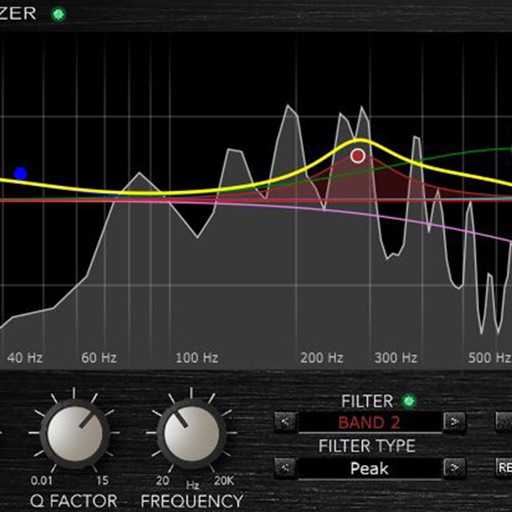
Load and manage impulse response files for audio equipment. Adjust cabinet sounds with a 6 band parametric equalizer and graphic EQ. Use a custom compressor with side chain filter and bass enhancer.
Record and edit files using multitrack editing. Cut, trim, and split segments. Apply effects and use a professional equalizer. Mix tracks and export in various formats. Share edited files directly.
Learn guitar notes with interactive educational games. Practice musical ear training, study over 500 chords across the , and explore scales in various positions. Customize tuning and select modes for focused practice.
The app connects to DigiTech e-pedals for the iStomp stompbox. Users can change the iStomp's sound by downloading different e-pedals from the Stomp Shop.
Create and manipulate audio loops with customizable settings. Sample and sequence MIDI data. Host plugins and build custom effect chains. Sync with external devices and control performance parameters in real time.
Remove vocals from songs and isolate instruments using AI audio separation. Create custom multitrack tracks. Practice singing with isolated vocal stems. Export tracks in multiple formats and share directly.
Learn and practice with detailed finger placements and chord diagrams. View chord types including major, minor, diminished, and 7th. Play with built-in sound and save favorites for quick access.
The app provides a tool for users to write and learn music. It offers a fretboard slider for chord positions and inversions, a strumming interface, and the ability to see chord structures.
Create and manipulate audio using granular synthesis techniques. Adjust grain size, direction, and step size. Apply effects such as reverb, wave shaping, and sample crushing. Connect via AudioCopy, AudioBus, Inter Audio, and AUv3.
Edit audio files by cropping, cutting, and pasting segments. Apply effects like pitch adjustment, speed control, and delay. Record audio directly or import from the device library. Save and share edited files in various formats.
Control effect parameters and looper settings via Bluetooth. Switch between chorus types, delay types, and reverb types. Adjust effect parameters for Double detune, 4 Voice, Simple, Analog, Hall, Room, and Plate.
Route audio or MIDI between compatible using virtual cables. Apply effects to synthesizers or sequencers. Control multiple with a single interface for live performances and production.
Create and refine chord progressions with real-time suggestions and harmonic analysis. Adjust key signatures, invert , and explore voice leading. Save and export progressions for use in music projects.
The app displays over 600 guitar chords, including majors, minors, 7ths, augmented, and diminished chords. Users can strum chords to hear their sound or individual strings to hear each note, with options for right or left-handed display.