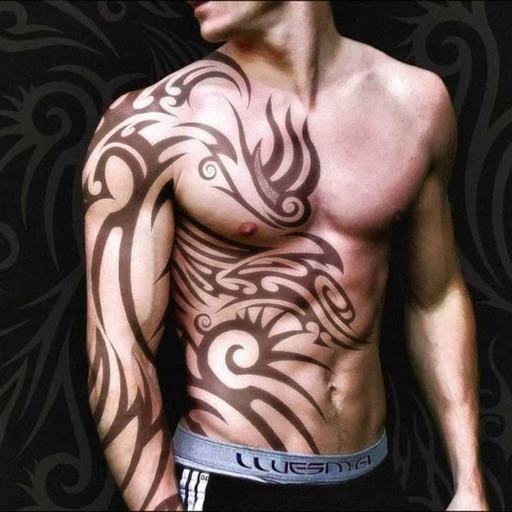
Create tattoos on photos with high-definition images. Select from various styles like dragon, color, love, and kanji. Apply effects and save or share directly. Choose photos from camera or gallery.
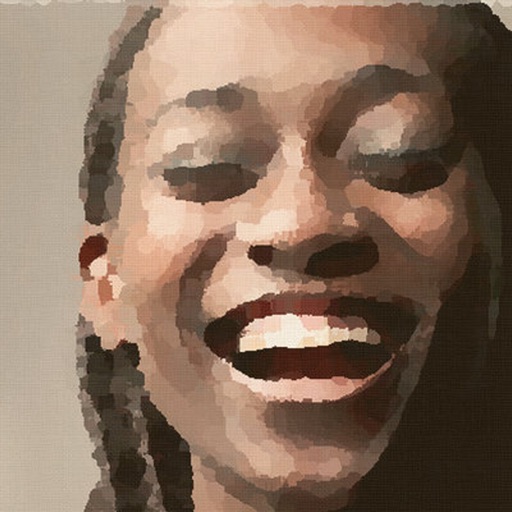
AI-powered editing transforms photos into cartoon art, watercolor paintings, or other creative styles. Users can apply filters, adjust colors, and add effects. Export edited images in various formats and share directly.
Apply art to photos for creative visuals. Add spiral effects and blur backgrounds. Use emoji art, background art, and outline art to enhance images. Apply AI, cartoon, neon, and mask effects. Create retro, atlantis, and big camera styles.
Create and share digital art with coloring pages, art games, and tracing tools. Design in 3D and display creations in a personal digital museum. Collaborate on drawings with friends and family.
Edit photos with skin smoothing and whitening features. Adjust enhancement levels from 1 to 8. Apply 12 unique filters for enhanced selfies. Add makeup tools for detailed facial enhancements. Save and share edited images directly.
Children can create drawings using a variety of brushes, including fluorescent and graffiti styles. They can paint freely with colorful tools. The provides a creative environment for learning to draw and explore artistic expression.
Generate images from text descriptions using AI. Edit photos with advanced tools. Create videos from text or images. Design logos, t-shirts, and other graphics. Remix visuals and export in multiple formats.
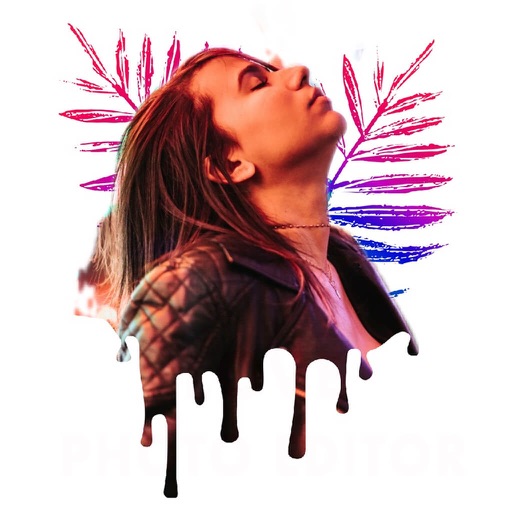
Edit photos with filters, beauty tools, and artistic effects. Adjust skin tone, eyes, and lighting. Add stickers, text, and frames. Export in multiple formats and share directly. Sync with mobile edition for consistent editing experience.
Convert to grayscale and highlight a specific . Tap to select the to emphasize. Preserve detail and apply effects using advanced computer vision. Export edited images directly.
Create and edit digital artwork with layers, brushes, and custom tools. Adjust colors, brightness, and contrast. Import photos and sketches. Save and export in various formats. Apply filters and effects. Collaborate with others through cloud sharing.
Create detailed artwork with realistic brushes and watercolor effects. Scale canvas up to 64 times with precise grid and pixel-level accuracy. Use over 80 brushes, erasers, smearing tools, rulers, cutters, fill tools, and color pickers.
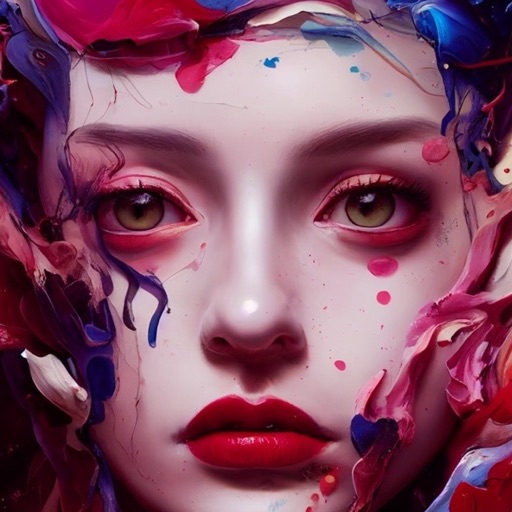
Create images from text descriptions with AI-generated art. Choose styles like Oil Painting. Edit and refine generated artwork. Share finished images directly.
Convert text prompts into digital artwork using AI. Choose from art styles like Cubist, Dali, Synthwave, or leave style unspecified. Export generated images in various formats and share them directly.
Generate AI art based on text prompts using Stable Diffusion models. Adjust styles, techniques, and parameters to refine the output. Edit generated images by adding details or modifying prompts for more accurate results.
Create traditional hand-drawn animations with support for Apple Pencil or finger input. Use the traditional xsheet for timing and thumbnail previews. Enjoy smooth, natural drawing with automatic onion skin lighting for better visibility.