View real-time updates and a 14-day . Set location-based alerts. Customize HD wallpaper backgrounds matching current conditions. Track precipitation, temperature, and wind speed. Share data via social media.
Set countdowns for events on home screen and lock screen. Customize styles for different occasions. Track time remaining with tap gestures. Use as a timer on home screen, lock screen, or StandBy.
Customize appearance with , , and backgrounds. Switch between multiple layouts. Type in over 50 across all apps. Access pre-designed and adjust settings for enhanced typing experience.
Create custom widgets by combining elements, selecting fonts, and adjusting colors. Set transparency for each component. Access weather forecasts and customize appearance settings. Save and share designs for iPhone Home Screen.
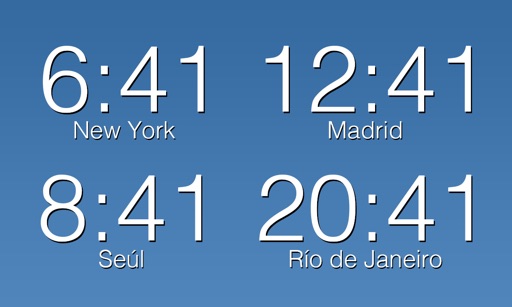
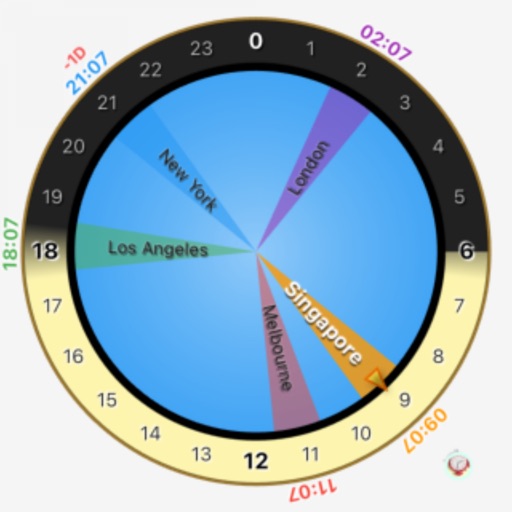
Set alarms with customizable schedules and snooze options. Track time zones and current time in different locations. Sync with calendar events for timely reminders. Manage multiple alarm profiles for different days or activities.
Set a customizable on the home screen with various design options. Choose from different styles and layouts. Adjust time format and color settings. Place the in iOS14 home screen for easy access.
Display an on the full screen with customizable background color, theme color, and dial letters. Support landscape orientation. No ads are shown while the is active.
Count down to a scheduled date with customizable reminders. Set a notification time for daily alerts. Adjust background image and font color for personalization. Track progress toward the scheduled day.
Monitor and control smart thermostats remotely. Adjust temperature settings, system mode, and away mode. Edit thermostat schedules. View current weather and forecasts. Receive alerts and reminders for thermostat activity.
The app uses the iPhone camera to create images of current weather conditions. Users can share pictures showing hot or cold temperatures with friends or save them for personal logs.
Displays a flip clock with a minimalist design and large, visible font for easy time reading from a distance. Features a matte black finish and allows customization of clock face colors and flip speed.