Apps Like Video Background Eraser for iPhone and iPad
Edit backgrounds in one tap
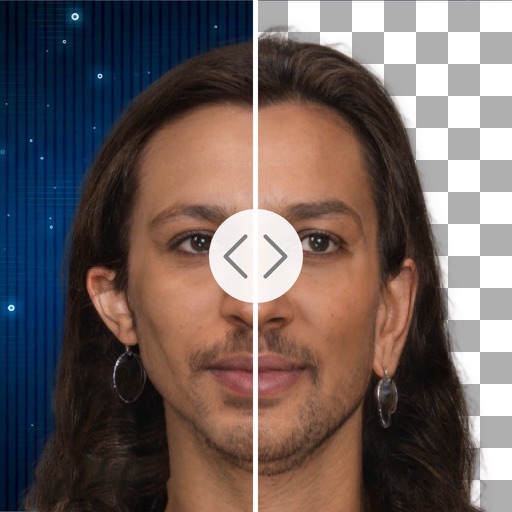
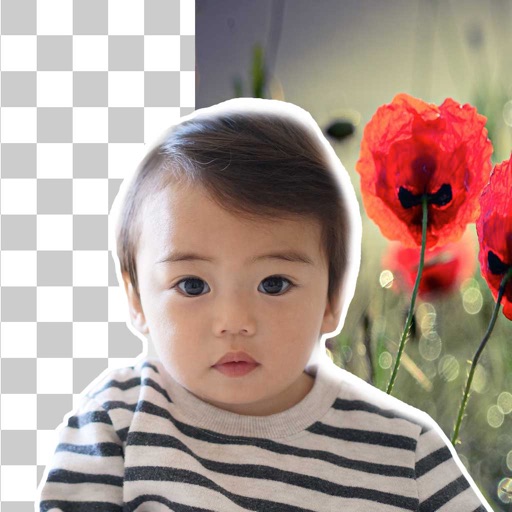
Remove backgrounds with a single tap. Replace with 800+ virtual templates. Export as transparent MP4 with alpha channel. Adjust resolution to 16:9 or 9:16. Position and scale the top layer transparent .
by 丽譞 牛★ 4.44,963 ratingsPhoto & VideoFreeData updated 2026-09-06
Create AI images from text or photos using Google Gemini. Edit photos with advanced tools. Generate headshots, avatars, and professional images. Export in high resolution and share directly.
Create videos from photos with customizable templates and background music. Select from over 50 photo display templates. Export videos as Photo Film files and sync with iTunes or save to computers.
Add to and videos with customizable fonts, sizes, and colors. Adjust shadow and background. Apply curved, bent, or gradient effects. Choose from 20,000+ background images. Trim videos and add to video clips.
Adjust from 1/10 to 10x. Edit of individual segments for smooth transitions. Support multiple formats. Trim videos easily. Export videos without watermarks.
Create images by combining Genmojis, Emojis, and Stickers on a flexible . Add photos or colors as backgrounds. Scale, rotate, and align elements precisely with smart grid and snapping. Export transparent PNGs for use on any platform.
The app resizes videos by allowing users to drag and drop video files. Users can specify output dimensions or use a slider for resolution, and the app creates a compatible .mp4 output.
Create collages and stories with customizable layouts and pre-made templates. Layer images, edit photos, remove backgrounds, and add text. Use AI tools to enhance edits and design from scratch or choose from 400+ templates.
Create video stickers by removing backgrounds with one click. Make photo stickers from gallery images. Add text and GIFs to enhance stickers. Share animated stickers on , iMessage, Telegram, and other platforms.
Remove objects, people, or backgrounds from photos using AI-powered detection. Tap or brush to select areas, and the automatically erases selected elements. Replace backgrounds with new ones for a clean, natural look.
Remove backgrounds from photos using brush tools with adjustable size and hardness. Erase selected areas with undo and redo options. Add text with customizable font and formatting. Place edited photos on various templates.
Create and edit videos with effects, pixelation, or blurring. Highlight specific segments or use a magnifying glass for close-ups. Annotate videos with boxes and share edited content directly.