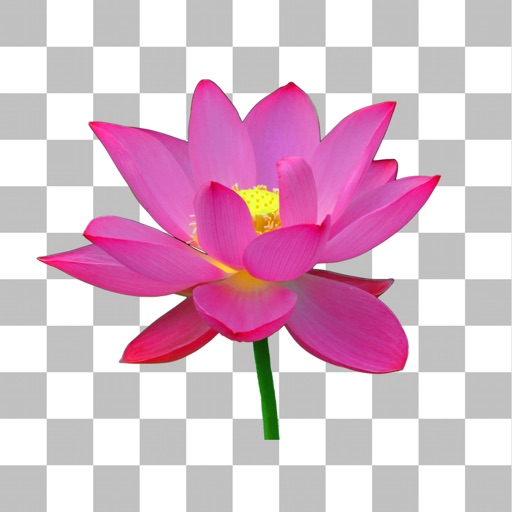
Add , reindeer, sleighs, and Christmas trees to photos. Apply high-quality filter masks. Share edited images on social media or via email. Edit and customize holiday photos with multiple overlays.
The app offers multi-layer photo editing for creating composites and artwork. It allows users to combine photos, add text, apply filters, and use AI tools for image generation and background editing.
Use live camera, photos, and videos as media sources. Stream video content. Remove with chroma key and spill suppression. Erase backgrounds and skies using AI. Replace erased areas with built-in backgrounds or textures. Blur backgrounds with AI.
Create looping videos with natural motion and still images. Adjust timing, opacity, and transitions. Export in multiple formats and share directly. Add text and stickers. Sync with desktop version for advanced editing.
The app provides tools for image adjustments like saturation and contrast. It offers light leaks, emulsion, grain, and scratch effects to mimic vintage cameras.
Create animations by capturing sequential images. Edit frames, add transitions, and adjust timing. Export videos and share directly to Instagram, TikTok, YouTube, and other platforms.
Capture photos with manual control over exposure, focus, and white balance. Edit images using advanced tools for color correction, contrast, and sharpening. Export in high-resolution formats and share directly.
Record video with manual focus, shutter speed, ISO, and white balance settings. Capture in customizable resolutions, frame rates, and color spaces. Sync multi-cam sessions across up to four devices.
The app allows users to create animated GIFs from photos and videos. Users can edit existing GIFs or create new ones using stop-motion mode, then share them as files or links.