Apps Like Brochure Maker : Catalog Maker for iPhone and iPad
Design brochures, edit layouts, print instantly
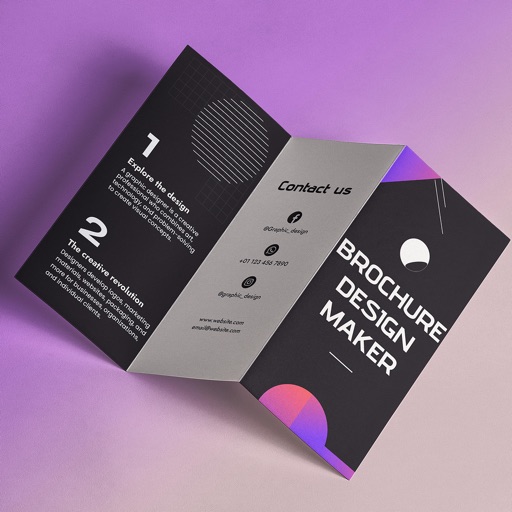
Create brochures by selecting from 2500+ templates across industries like business, travel, and education. Edit layouts, add text, images, and graphics. Export as PDF or print directly. Save and share designs.
by Bhumiben Sutariya★ 4.725 ratingsGraphics & DesignFreeData updated 2026-09-06
Create illustrations, logos, and UI designs with precise drawing tools. Import and edit graphics. Organize projects in workspaces. Export in multiple formats. Collaborate in real-time with others. Adjust colors, shapes, and layers.
Learn basic alphabets and practice letterforms with guided techniques. Create custom names using brush and pen tools. Add decorative symbols and design greeting cards. Export and share finished artwork.
Create professional logos using AI-driven design tools. Generate custom logos based on brand or project needs. Preview logos on business cards, packaging, signage, and apparel. Export logos in multiple formats for use across platforms.
Add to photos with customizable fonts and styles. Choose from 250+ fonts and 200+ templates. Include layers for , images, shapes, and stickers. Access a variety of stickers, icons, and quotes. Apply single color or gradient color palettes.
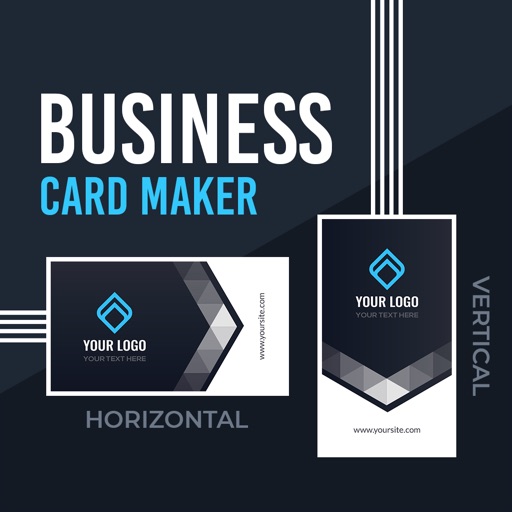
Create professional or cards using design templates. Customize text, colors, and layouts. Add logos and contact details. Export cards as PDF or image files and share via email or social media.
Create logos and brand kits using AI. Enter a business name and description. Choose design styles and colors. Generate suggestions. Download and share logos in multiple formats.
Provides for reports, resumes, flyers, and social media visuals. Users can customize layouts, graphics, and infographics. Access a large collection of pre-designed elements to enhance document creation.
Create custom designs for t-shirts, stickers, and personalized gifts. Adjust cutting settings for materials like vinyl, fabric, and wood. Connect and manage multiple cutting machines via Bluetooth.
Create collages using various layouts. Stitch screenshots into long screenshots. Add text, stickers, and backgrounds during editing. Export edited content.
Access layered Photoshop and InDesign for document creation. Open in their respective apps to edit text, graphics, and layouts. Includes 60 Photoshop, 60 InDesign, and 90 Illustrator logo . Organized by category for easy navigation.
Create posters and using customizable templates. Choose from a variety of layouts and elements. Add text, images, and graphics. Adjust colors and fonts. Export designs in multiple formats and share directly.
Create visually appealing social media content with customizable and design tools. Add text, images, and effects to stories and posts. Export and share directly to social platforms.
Create collages by combining multiple photos from the gallery. Choose from various frames and themes. Apply filters to enhance images. Share collages directly to social media platforms. Edit individual photos with cropping and adjustment tools.
Create promotional flyers, advertisements, and cover photos with customizable templates. Add text, images, and graphics. Choose from various design elements and layouts. Export designs in multiple formats and share directly.