Control compatible robots via iPhone or iPad. Load projects from ARC PC saved in the Cloud. Use RoboScratch and Blockly for visual programming. Access robot functions remotely. View real-time sensor data and robot status.
Learn to solve the Rubik's with step-by-step tutorials featuring 8 detailed stages, visual demonstrations, and easy-to-follow algorithms. Practice algorithms, track progress, and access beginner to advanced solving methods.
Learn computational thinking through puzzle-based programming. Create robotic solutions using block pieces. Program FlipRobot E310 series with Arduino. Explore electrical-mechanical designs and automation. Solve real-life problems through coding.
Generate computational art using algorithm-based image creation. Customize parameters to influence results. Create textures with unique colors per pixel. Export images in various formats. Sync across macOS and iOS devices.
Explore 3D environments with interactive activities and games. Play animated board games, program robots to navigate mazes, and complete beetle safaris. Learn colors, letters, numbers, and physics through engaging challenges.
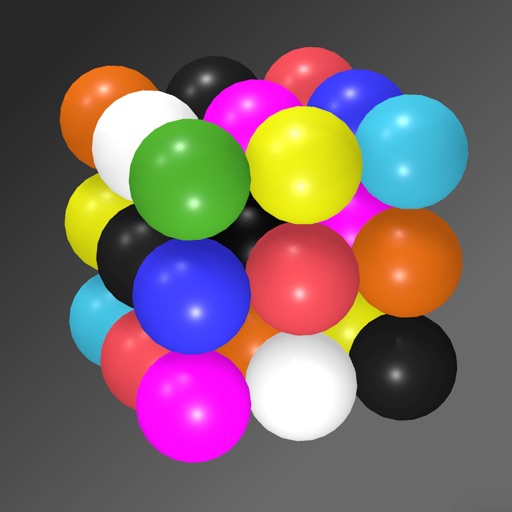
Solve puzzles by arranging colored spheres on a 3D cube. Each side has a 3x3 grid with nine unique colors. Rotate and tilt the phone to manipulate the cube. Complete levels by ensuring all colors appear once per side.