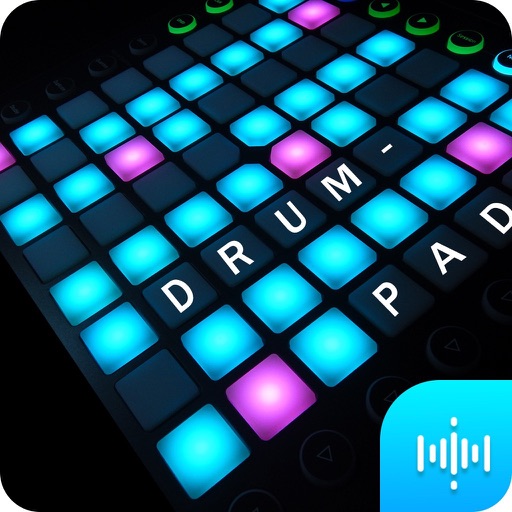
Create beats using high-quality samples from famous songs. Add effects like delay and reverb. Use a metronome to maintain rhythm. Record beats for sharing. Customize the interface with various themes. No in- purchases required.
The app allows users to play back multitracks, loops, and click tracks for worship or rehearsal. It offers features for changing song keys and tempos, customizing arrangements, and managing setlists with click track metronomes.
Use beats for timing practice, songwriting, and live performances. Adjust tempo and select different patterns. Jam with others or record sessions. Sync with audio apps for seamless integration.
Stream from SoundCloud Go+ and local files via cloud services. Import tracks in multiple formats. Organize library by title, artist, album, bpm, key, rating, or duration. Create custom playlists.
Create music using AI-generated melodies and harmonies. Adjust tempo, key, and style. Export tracks in various formats. Share songs directly or integrate with music libraries.
Create AI-generated tracks by typing a vibe description. Add custom sounds, adjust beats, and mix elements. Export tracks for TikTok, gym videos, or personal use. Share directly or collaborate with others.
Create with virtual instruments, effects, and AUv3 plugin support. Arrange beats, adjust tempo, and export tracks. Share projects directly or sync with DAWs for further editing.
Allows users to record sounds or voices and them instantly. Save reversed files and share them directly. Create unique effects and uncover hidden messages through manipulation.
Create tracks using AI-generated melodies and beats. Choose from various genres and styles. Add instrumental layers and adjust tempo. Export songs in multiple formats and share directly.
Create and play music by drawing shapes and triggering sounds. View visual feedback as music plays. Access 88 instruments organized into 22 groups. Use in- purchases for full features. Sync with Apple Health.
Control instruments with multi-touch gestures. Adjust parameters in real-time. Route audio and MIDI signals. Access transport controls and mixer functions. Perform live using touch-based input. Sync with Pro or GarageBand on Mac.
Create and produce music with beat-making, track composition, and sampling tools. Record and sequence audio and MIDI. Use high-quality UVI instruments and effects. Export mixes, stems, or project files. Share tracks on YouTube or SoundCloud.
Record with a single tap to start or stop. Manage recordings directly on the interface. Save high-quality files. Record music or over. No time limits on recordings. Share files directly from the .
Create by describing sounds, selecting genres, and customizing instruments. Generate full tracks or snippets. Export and share AI-generated audio files.
Create beats by tapping pads and using sound packs. Record and loop beats. Access preset libraries for various sounds. Export tracks for sharing or further editing.