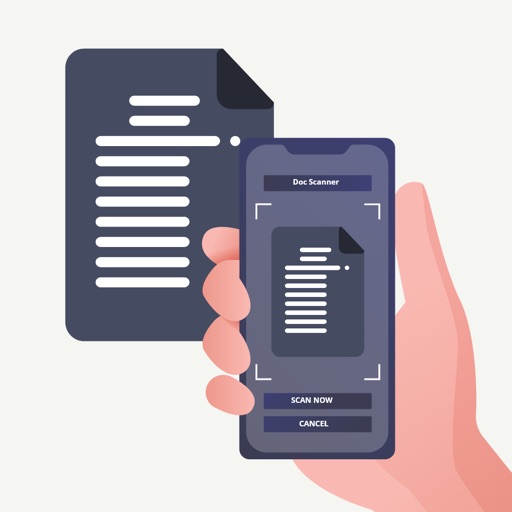
Digitize documents, photos, receipts, and notes with high-quality scans. Automatically detect edges and enhance text for clear results. Combine multiple pages into one PDF. Store and share scanned files securely.
Convert images into professional PDF documents with intelligent conversion. Scan ID cards and driver's licenses on a single page. Automatically detect and align documents with high precision. Import and edit existing PDFs.
Documents, photos, or text to create digital copies. Automatically detect document borders or adjust manually. Convert captured content into PDF format. Share or save scanned files directly.
Scan documents, receipts, and notes with automatic edge detection and clarity enhancement. Edit text, add highlights, insert shapes, and annotate PDFs. Sign and share files directly. Read and organize PDFs with intuitive tools.
Scan documents to PDF with adjustable contrast and brightness settings. Redact sections of scans and add signatures. Highlight areas with markers. Save files as PDF or images. Organize documents in folders.
Scan documents using camera or file import. Edit PDFs with text extraction and formatting tools. Convert files to PDF or image formats. Share scanned documents via email or cloud services. Apply OCR to extract text from images.
Documents and images to create PDF or PNG files. Save scans to device storage. Share files via email or cloud services like OneDrive. Batch multiple items for efficiency. Apply filters to enhance quality.
Documents, receipts, invoices, and business cards with high-quality scans. text, add notes, and organize files. Export as PDF or image formats and share directly.