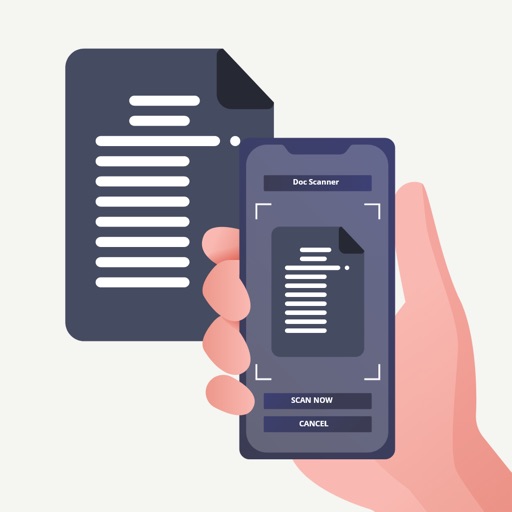
Convert documents to PDFs by scanning with the device . Edit, annotate, and share scanned files. Organize and manage documents within the . Save scans directly to cloud storage or email.
Scan documents using the device camera. Convert scanned images into PDF files. Save and organize documents on the phone. Share scanned files via email or cloud services. Adjust brightness and contrast for clearer scans.
Using OCR technology to convert text into editable format. Save and organize files in cloud storage. Share scanned via email or messaging apps. Annotate and highlight text within . Export files in PDF or image formats.
CODEBAKER BILISIM HIZMETLERI VE TICARET LIMITED SIRKETI
Scan documents and faxes globally
Scan and documents as faxes worldwide. Use camera to capture contracts, invoices, receipts, and notes. faxes to any location. View and manage sent faxes. Share scanned documents via email or cloud storage.
The app transforms an iPhone into a portable scanner for documents like receipts and notes. It creates shareable digital files, supports cloud services, and offers editing options for various image formats.
Create and manage PDF documents by scanning, editing, and signing files. Extract text from PDFs and import various file types. Reorder, rotate, duplicate, or delete pages. Scan multiple pages at once with smart edge detection.
Convert images to PDF by selecting files from the device. Rename, reorder, and organize converted files. Export as PDF or other supported formats. Share converted documents directly via email or messaging apps.
Turn your camera into a scanner to create PDF files from documents. Import PDFs from local and cloud storage. multiple PDFs into one document. Share or save merged files securely.
Scan and recognize text from printed or handwritten documents. Convert scanned images into editable PDFs or Word files. Organize documents into folders and share them via email or cloud services. Edit text directly within scanned documents.
Documents using your phone’s camera for receipts, notes, business cards, invoices, certificates, and more. Edit scanned documents with cropping, rotation, and text correction. Sign and save files as PDF or image formats.
Scan documents, photos, and receipts using the device camera. Save scans as PDF or image files. Share scanned documents via email or social media. Edit scanned images with cropping and brightness adjustments.