Take portrait selfies with front and rear camera switching via tap or shake. Use night mode for low-light shots. Auto mirror and timer functions available. Create grid collages with 1:1 and 4:3 layouts using 1 to 9 grids.
Apply effects to photos or videos. Choose from options like soft focus, pixelate, motion , and prism. Adjust intensity and apply effects with touch controls. Export modified content directly.
Create realistic for photos with one-click furnishing, styling, and decluttering. Enhance image quality with AI-powered photo editing tools. Generate realistic 3D visualizations for real estate, home design, or professional projects.
Edit photos with realistic AI enhancements, preserving natural lighting and texture. Adjust weather conditions to brighten skies or enhance lighting. Expand scenes and poses to create new, cinematic frames. Export edited images in high quality.
Edit photos with AI-powered one-tap tools and auto-collage features. Create collages and design layouts using professional templates. Apply artsy effects to turn photos into paintings, cartoons, or sketches.
Securely store and hide photos and videos with password protection and encryption. Set access restrictions and manage a library. Share hidden content via secure links. Backup and restore data within the .
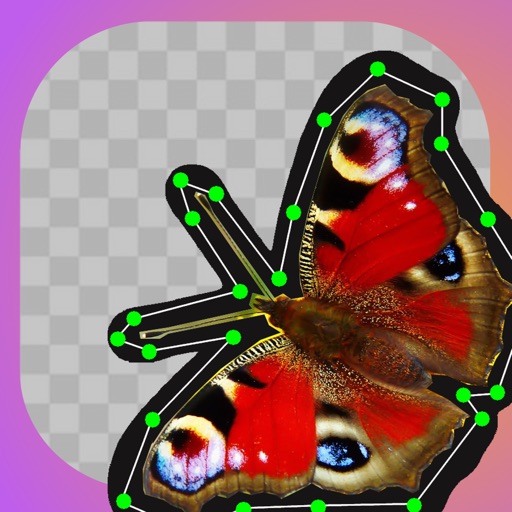
Remove backgrounds with a single tap. Replace with 800+ virtual templates. Export as transparent MP4 with alpha channel. Adjust resolution to 16:9 or 9:16. Position and scale the top layer transparent .
Add to or images automatically. Choose or take an image, apply a caption, and share or save the result. Supports sharing to , , Twitter, and other platforms.
Create animation with filters, changer effects, and 8 animation styles including cartoon, , and pop art. Apply effects live from camera or photo library. Share on Instagram, Snapchat, or Facebook.
Edit photos with skin smoothing, teeth whitening, and facial reshaping tools. Remove blemishes and wrinkles. Add makeup, tattoos, and muscles. Apply filters and adjust colors. Save and share edited images directly.
Securely store and hide photos and videos with encryption. Set access permissions and passwords. Delete content permanently. Free up device storage by moving media to encrypted cloud storage.
Edit photos with 200+ filters and AI art effects for enhanced visuals. Adjust brightness, contrast, and saturation. Add text, stickers, and animated effects. Export in various formats and share directly. Apply AI flash for vintage aesthetics.