Apps Like Tracing projector & Lightbox for iPhone and iPad
Trace images onto digital paper
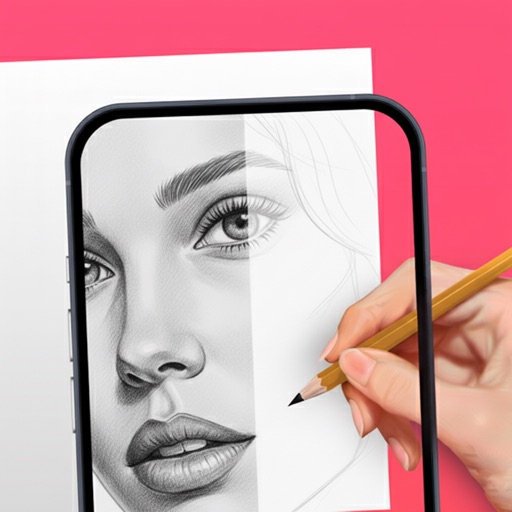
Overlay a selected image from the gallery or catalog onto a live camera feed. Use techniques to sketch or copy the image onto paper. Adjust opacity and position for accurate . Save or share the final drawing.
by Alexey Goryachev★ 2.011 ratingsGraphics & DesignFreeData updated 2026-09-06
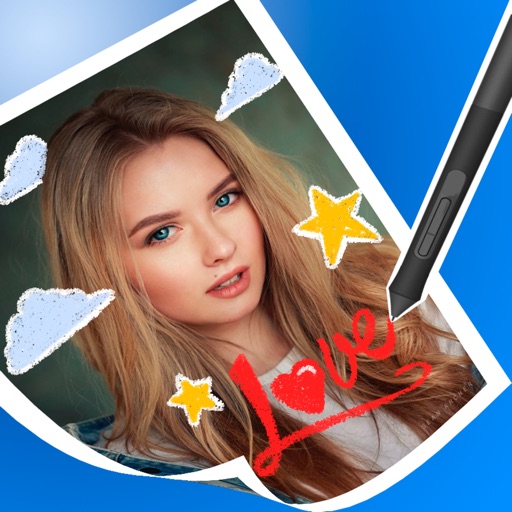
Edit photos by drawing on them with adjustable brush sizes and color choices. Use an erase tool and undo/redo functions for precision. Save edited images for later changes or share them directly on social networks.
Create infinite repeating designs by mirroring brushstrokes across 17 symmetry patterns. Edit vector graphics with curve smoothing and area fill. Reshape and recolor elements in Edit Mode. Export paintings and tileable rectangles.
Use camera to and in real-world environments. Apply colors and textures with touch gestures. Adjust brush size and opacity. Save and share drawings directly. Sync with design tools for further editing.
Create animated doodles by replaying the drawing process as a cartoon. Use 20+ unique paintbrushes including rainbow, neon, and flower brushes. on photos from camera or gallery. Save and view drawings in a personal gallery.
The app allows users to create original stamps from hand-painted illustrations. Users can then paste these stamps onto other images, adjusting their position and size.
Create and edit images with basic drawing tools. Draw freehand or use shapes and lines. Add text and colors. Save and share drawings directly. Import and modify existing images.
Kids can color, draw, and decorate with various brushes, crayons, and pencils. They can use stickers and graphics of animals, vehicles, insects, fruits, and food from multiple galleries.
Color pictures with realistic brush strokes and save creations. Access a variety of pre-drawn images to color. Draw freely on blank pages with zoom functionality. Watch video replays of drawing sessions.