Create fluid ink paintings with finger swipes. Use tapered brushes for organic line effects. Overlay strokes for layered artwork. Practice minimalist and painting techniques.
Create videos by capturing or selecting footage from the camera. Add from a regularly updated public domain library. Apply various effects. Export and share finished videos.
Create -style art from photos using AI Anime Effect. Generate images with AI prompts for creative customization. Apply filters to enhance and stylize visuals. Export and share transformed images directly.
Edit photos using a variety of art filters and effects. Apply themed backgrounds and templates like Memphis, Poster, and Tropical. Customize designs with layered elements and export edited images in multiple formats.
Create art with a complete toolset including layers, timelines, and advanced coloring. Edit spritesheets, GIFs, and game assets. Use touch or pen for optimized drawing. Render with high-performance Metal technology.
Analyze facial expressions to detect emotional states in real time. Share results with friends. Trigger actions based on detected emotions. Display emotional indicators through color-coded feedback.
Turn photos into cartoons with AI-powered filters. Apply effects, add toon backgrounds, and combine drip effects. Edit layouts and create anime-style avatars. Share edited images on social media platforms like Instagram, Facebook, and TikTok.
Create drawings using bright colors and various brushes, glows, hearts, dots, and stars. Paint and record your sessions to review your artwork. Access pro features via optional subscriptions.
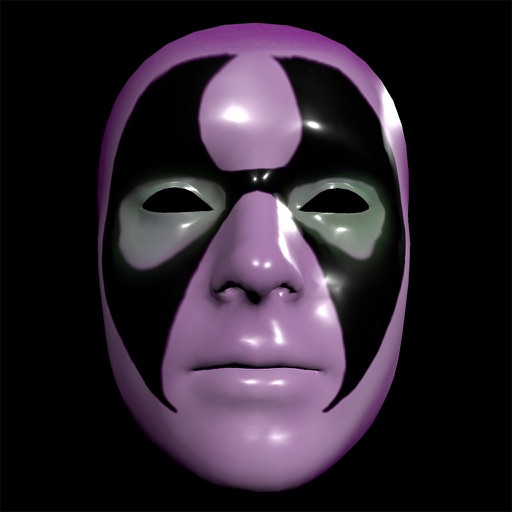
Create and apply custom masks using the iPhone X True Depth Camera for real-time mapping. Edit masks with painting tools, lighting effects, and rotation animations. Access mathematically plotted sci-fi masks.
Create custom cup designs with various lid options. Select from 32 flavors or invent unique ones. Build flavor combinations to suit personal preferences. Share creations with friends. Play to unlock new designs and flavor options.
The app transforms photographs into artwork using an automatic painting tool. Users select a paint style and apply it to their photo, with options for brush size, stroke variation, and color tone.