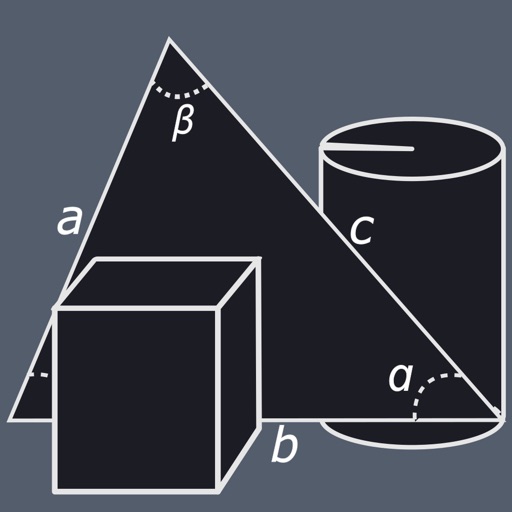
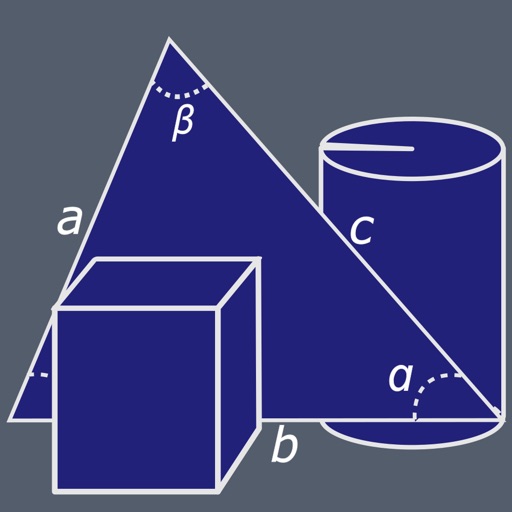
Calculate areas and volumes of various shapes including squares, rectangles, triangles, circles, and ellipses. Input dimensions to get formulas and results. View volume calculations for cubes, cylinders, cones, and spheres.
Perform basic calculations in portrait mode and scientific calculations in landscape. Use root, power, factorial, exponential, division, logarithm, and trigonometric functions. Features a flat UI design similar to built-in iOS apps.
A calculator with large buttons and a clear display for efficient calculations. Supports basic arithmetic operations. Includes a Retina Display for improved visibility.
A with customizable themes allows users to select from multiple visual styles. Perform basic and advanced calculations. Switch between light and dark modes. Adjust font size and color schemes.
A calculator with a clear display and large buttons supports functions. Switch between portrait and landscape modes on iPad. Perform simple calculations without additional features.
The app offers basic and scientific calculator modes, a universal converter for numerous units, and multitasking capabilities. Users can view calculation history, edit input, and customize the appearance with various skins.
Sheet Metal allows users to generate patterns for cones and other complex shapes. Input dimensions and material properties to calculate angles and layout dimensions. Export results for fabrication use.
The app offers unit and currency conversion across hundreds of categories. It includes mortgage, loan, and tip calculators, with the ability to edit, add, or download templates.
Calculate measurements in feet, inches, and fractions. Convert between units and perform complex calculations. Store frequently used values and recall previous entries. Adjust for slope and pitch. Export results to email or cloud storage.
Convert units across multiple categories including currency, length, area, weight, and more. Switch between simple and carousel layouts. Automatically update currency exchange rates daily. Search for units from the home screen.