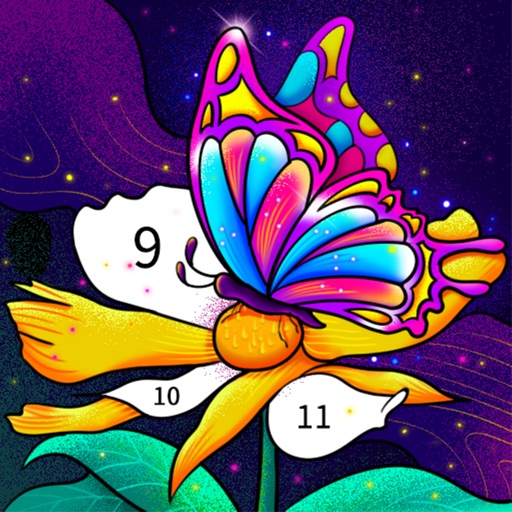
Color by number artworks can be selected and colored following numbered guidelines. Users can freely paint and save their creations. Artworks are available for free and can be explored in a casual drawing environment.
by 元彬 蔡★ 4.7697 ratingsEntertainmentFreeData updated 2026-09-06
Create mandalas using watercolor, crayon, and oil paint tools. Add glitters for sparkle effects. Choose from anti-stress coloring pages and creative templates. Save and share finished artwork.
Coloring book allows users to select pages, choose colors, and customize brushes. Save and share completed artwork. Access a library of themed illustrations for coloring.
Allows users to color pictures by numbers or custom designs. Users can select from various images, choose colors, and fill in sections to create artwork. Completed drawings can be saved or shared.
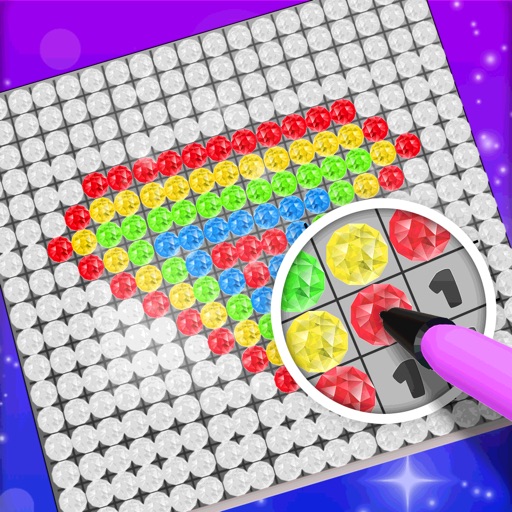
Choose a 3D model to color. Select colors and apply them to specific areas of the model. Tap to place diamonds in designated spots. Complete the artwork by filling all sections. Save or share finished creations. Adjust settings for lighting and zoom.
Allows users to paint and the Family using rainbow brushes and glitter pencils. Includes 200+ pages with themes like animals, cars, and dinosaurs. Features mandala drawing games and interactive activities.
Games allows users to select and color various artwork categories like animals, plants, and mandalas. Users can choose colors and apply them to different block areas. Completed artwork can be saved and shared.
The app offers over 350 hand-drawn pictures for coloring, supporting hand-eye coordination development. It automatically saves progress and allows saving finished pictures to the Photos library.
Create drawings using realistic pencils and marker pens. Listen to drawing sounds. Navigate an intuitive interface. Access eight free sketches for coloring. Explore related apps in the drawing series.