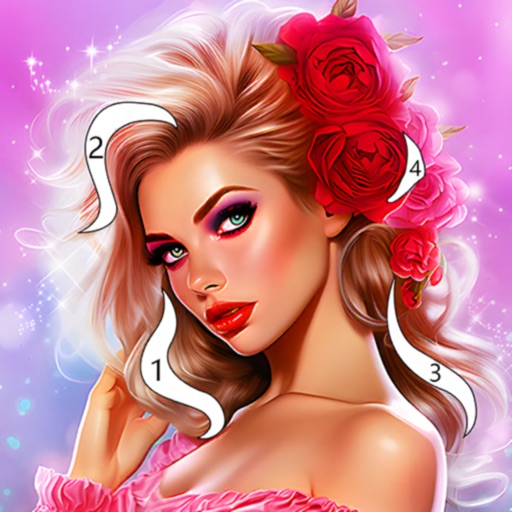
Color by number artworks can be selected and colored following numbered guidelines. Users can freely paint and save their creations. Artworks are available for free and can be explored in a casual drawing environment.
by 元彬 蔡★ 4.7697 ratingsEntertainmentFreeData updated 2026-09-06
Create and customize coloring pages by merging and matching stickers. Solve puzzles through sorting and color matching. Explore color-by-number and paint-by-number styles with interactive elements. Save and share completed designs.
Create digital illustrations with painting, coloring, and drawing tools. Use multiple layers, customize brushes, and mix colors for precise control. Apply textures and save or share artwork directly.
By Number game allows users to select from 25000+ artwork across 60+ categories. Paint boxes using numbers and a palette. Save and share completed colorings. Daily updates add 500+ new artworks. Includes kid-friendly options.
Pages allows users to select from 300+ pages and add stickers or special effects. Mystery paint feature lets users create unique drawings. Save and load progress. Share drawings via preferred platform. Create custom drawings or wallpapers.
Choose from a variety of images to color. Select and apply multiple colors and tools to customize designs. Save and share completed artwork. Adjust brush size and opacity for detailed work.
By with allows users to and recolor images using a grid system. Choose from various themes like animals, flowers, and people. Save and share completed artwork. Adjust colors and patterns freely.
Create pixel art by tapping and coloring by number. Select from a bright color palette to match designs. Access a wide variety of original, high-quality images. Save and share completed artwork.
Create art by coloring pre-designed images. Select colors from a palette and apply them to sections of the artwork. Zoom in with two fingers for detailed work. Save and share completed designs.
Create art by selecting colors and filling in grids. Choose from pre-designed artworks or design custom pieces. Save and share completed projects. Access a library of free art templates. Adjust color palettes and grid sizes for different projects.
Lets users choose from various pages to color. Features include brush for detailed artwork, multiple color options, and the ability to save and share creations. Pages can be zoomed and panned for better control.
Create art by drawing on pages with customizable brushes. Choose from 10 brush types including oil, chalk, and watercolor. Paint detailed images of princesses, animals, dinosaurs, cars, and planes. Save and share finished artwork.
Learn techniques through interactive tutorials. Create custom patterns by selecting colors and stitches. Save and share designs. Track progress and adjust patterns for different fabric sizes.
Pages allow users to select and customize colors for each section. Features include saving progress, sharing completed artwork, and accessing a library of themed pages. Users can zoom in for detailed and adjust brush sizes for precision.