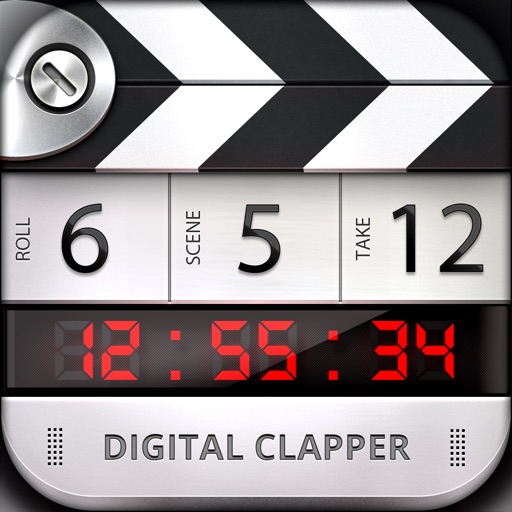
Create, type, and draw directly on the screen with intuitive gestures. Double- or triple-tap number fields to adjust values. Tap the clapper once to open, twice to start a timer. Capture and organize media with simple interface controls.
by Steven Troughton-Smith★ 4.47 ratingsUtilitiesFreeData updated 2026-09-06
Digital clapper board for filmmakers and DSLR users. Enter production details like scene, take, director, and camera settings. Recall previous data for quick access. Syncs with devices for seamless workflow.
Create videos using AI-powered tools like VideoGen for element swapping and AI Auto Cut for highlighting key moments. Add dynamic captions and generate text-to- content. Export and share videos directly to social platforms.
Create and organize boards to save Pins and visualize ideas. Explore fashion, recipes, DIY projects, and home decor. Generate collages and access a wide range of creative inspiration. Share and discover content from others.
The app allows users to create Hollywood-style trailers and movies with titles, transitions, and music. Users can select albums or groups of videos and images, and the app will create a video with no editing required.
Create digital art with drawing and painting tools. Use a wide range of brushes and customize settings for precise control. Add motion with animation tools and motion paths. Utilize symmetry guides for balanced designs.
This app provides visual and audio cues to sync cameras and sound recording devices. It is suitable for professional use with clear visual and audio cues.
Allows users to create and manage for various tasks. Features include countdown, quick start, count-up, Pomodoro, interval timer, stopwatch, and custom intervals. Users can set alarms, track time, and organize tasks efficiently.
Draw and paint images using customizable color pencils, pastels, and brushes. Choose colors freely and adjust settings for precise control. Save artwork to camera roll and share via Facebook or Twitter.
The app offers a flashlight with instant on time and a large switch for operation. It includes a "Clapper" feature to control the light by clapping and a "Touch Light" function for momentary activation.
Edit videos with trimming, splitting, and cutting tools. Add transitions, text, and stickers. Apply filters and effects. Export in high quality. Share directly to social media platforms.
Create videos from text with automated scene generation and customizable styles. Convert images to animated videos using text prompts. Transform sketches into detailed images with AI enhancements. Export and share final videos directly.
Read, edit, create, and organize PDFs with annotation tools. Scan documents and convert to PDF. Summarize, generate content, and annotate across multiple files. Securely store and share PDFs without data collection.
The app helps users create aesthetic photo collages, scrapbook memories, and social media designs using AI-powered editing tools and creative templates. Users can design Instagram posts, stories, reels covers, and more.
Edit photos with background removal, object elimination, and AI-style transfer. Add text, stickers, and custom fonts. Generate AI art, create flyers, and apply effects. Export in various formats and share directly.
Create digital illustrations with painting, coloring, and drawing tools. Use multiple layers, customize brushes, and mix colors for precise control. Apply textures and save or share artwork directly.