Combine photos into a single collage with 50+ layout options. Add exclusive stickers, backgrounds, and frames. Adjust layouts, crop, and rotate images. Include text to personalize and share the final design.
Create artwork using AI by entering descriptive text. Generate images based on prompts like "Dream," "Skyline," or "Robot." Edit and share the resulting paintings directly.
Create AI-generated videos and images from text, images, or voice. Use LoRA training to develop custom styles. Generate cinematic videos from text. Edit and export final outputs. Add text, stickers, and filters to videos.
Create collages by selecting from 1000+ layouts, grids, and templates. Add photos, adjust sizes, and apply filters. Share collages directly to social media or via email. Edit text, add stickers, and crop images within the .
Create custom black-and-white line drawings using AI prompts. Draw freely with customizable tools. Access a global community for sharing and feedback. Save and export artwork in various formats.
The app allows users to create photo and video collages with customizable layouts and enhancements. Users can add text captions, filters, and borders, and import media from various sources.
Create and customize cards with adjustable attributes and artwork. Upload designs to share or trade. Access a library of templates and elements. Edit details and artwork directly within the .
Teachers can upload and manage student artwork projects, view school art galleries, and organize student rosters. Students can submit photos of their artwork to an online gallery.
Create collages by combining multiple photos into a single framed image with captions. Add 2D and 3D effects. Share finished collages on social media platforms like Facebook, Twitter, and Flickr.
Create professional logos using AI-driven design tools. Generate custom logos based on brand or project needs. Preview logos on business cards, packaging, signage, and apparel. Export logos in multiple formats for use across platforms.
Display photos or free images on Samsung TV. Format, , mat, and sign images for display. Add a soft and multiple mats. Automatically adjust image size and layout. Share and manage photos directly from the .
Nime-style artwork by entering prompts or selecting prewritten options. Choose character gender and customize details. Save and share generated images directly.
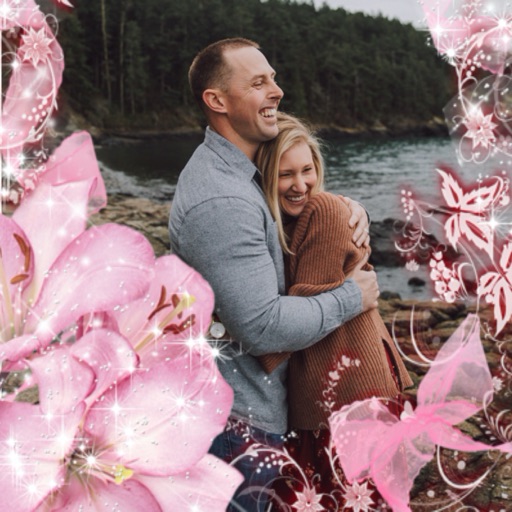
Select a or take a new one with the camera. Choose from over 30 colorful to decorate images. Apply different frame styles and designs. Save edited photos to the gallery and share them on social media.
Convert selfies into AI-generated art, cartoon portraits, and headshots. Create stylized posters, anime avatars, and 3D toy versions. Edit and refine generated images. Export and share final artwork.