Create AI-generated images, avatars, and logos from text or photos. Edit photos with advanced tools. Redesign home interiors using AI. vatars from uploaded images. Transform ideas into visuals with AI-powered design features.
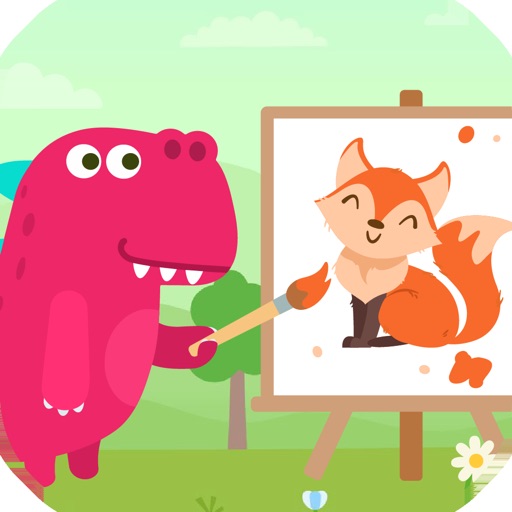
Children can draw using step-by-step templates in cartoon and kawaii style. They can choose colors, add stickers, and save their artwork. The includes guided exercises and a safe, child-friendly interface.
Create large posters, banners, or wall art using a regular home printer. Choose between grid layout with fixed paper count or set exact dimensions for the . Print images or PDFs across multiple pages and assemble them into one large piece.
Print multiple photos on a single page by selecting images and defining individual print sizes in millimeters, centimeters, or inches. Choose a printer and start the process.
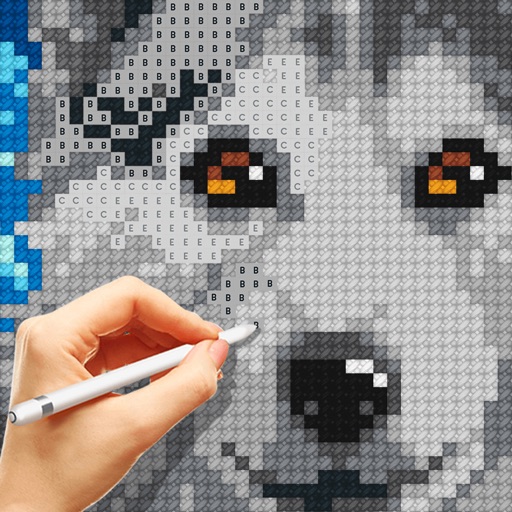
Allow children to color pictures with 144 featured images. Choose from 9 brushes, 36 solid colors, 36 gradient colors, and 36 fill patterns. Save completed artwork to the phone's album. No user data is collected, and no ads are displayed.
Learn to draw with -by- tutorials and AI guidance. Use your phone's camera as a projector to trace and practice. Access drawing lessons for all skill levels, from beginner to advanced.
Generate images based on verbal descriptions with AI technology. Choose from styles like Realistic, Anime, Fantasy, or Tattoo Design. Edit and refine artwork directly within the .
Create and print custom calendars by selecting a month and adding background images. Customize layout and export as PDF or print directly. Share calendars via email or social media.