Allows users to study Microsoft fundamentals, role-based, and expert-level topics. Access interactive lessons, practice exams, and certification preparation materials. Track progress and receive feedback on performance.
Access AI-powered instant answers and detailed explanations for academic questions. Personalize learning with adaptive insights and study resources. Manage notes and track progress across subjects. Sync study sessions across devices.
Study for the CMA exam with flashcards covering external financial reporting, planning and budgeting, performance management, cost management, internal controls, and technology.
The app offers creative drawing tools with various colors, stickers, and backgrounds. Users can create stories by recording their voice and animating stickers, then save and share their creations.
Create art with 38 free colors and brush effects like sparkle and gradient. Paint with calming sounds. Earn rewards and unlock premium content through daily gifts. Share finished artwork.
Create and color images of characters, animals, and vehicles. Choose from 9 unique brushes for different effects. Record drawings as animated clips. Edit and share artwork. Switch between and free drawing modes.
The app presents falling stars of different colors. Users collect stars of the same color to fill star dust holders and form constellations for points.
Take courses, edit profile, track progress, communicate
Take online courses using a mobile . Edit profile, track learning progress, and communicate with teachers. Enroll in courses, set up accounts, and complete training sessions anytime.
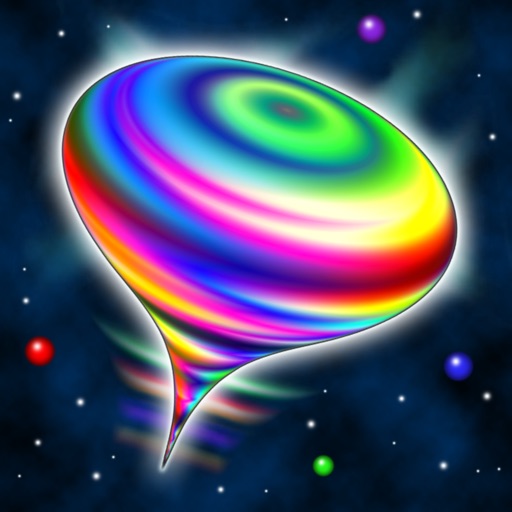
Simulates a spinning, wobbling top with 3D audiovisual effects. Users can swipe to spin, pinch to zoom, and hold to brake. The top changes colors and emits sci-fi sounds in stereo. It floats among stars and morphs into unlimited shapes.