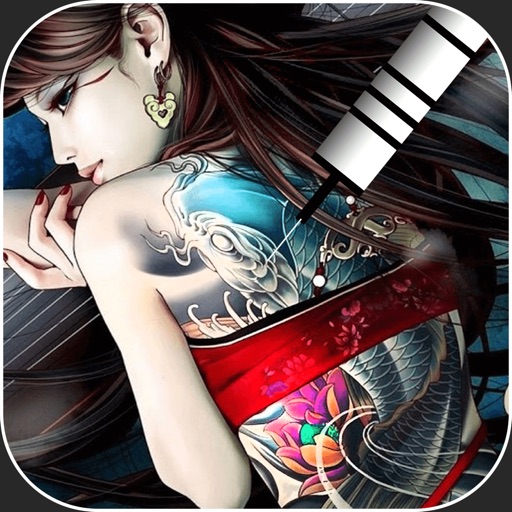
Create virtual tattoos on photos by selecting from 100+ black and white or 60+ color totems. Add text or captions and adjust position, rotation, size, font, or color. Save edited images to the photo library or share via social media.
Edit photos using like Linear, Vignette, and Sepia. Adjust brightness, contrast, and color with tone curve tools. Apply blur, focus, and rotation. Add stickers, text, and emoticons. Crop and resize images.
Photos with a variety of filters including Normal, Linear, Vignette, Instant, Process, Transfer, Chrome, Fade, Curve, Tonal, Noir, Mono, and Invert. Adjust lighting, chromatic aberration, and blackout settings.
Edit photos with auto and drawing tools. Apply 20+ effects and unique shapes. Zoom for high-resolution details. Use brush offset to avoid finger interference. Preview and adjust focus areas. Export edited images directly.
Remove backgrounds from product photos using AI. Retouch images with one tap. Change backgrounds automatically based on product type. Export edited photos for online marketplaces. Adjust colors and brightness for professional results.
The app allows users to create collages on square backgrounds and add text. Users can choose backgrounds, add photos, and customize text with options for font, size, color, transparency, and rotation.
Remove backgrounds from images using AI-powered erasing. Cut out objects with precision and create transparent backgrounds. Save as PNG or edit layers for detailed adjustments. Share edited images directly.
Edit photos with body transformation tools, one-touch filters, and cropping. Apply mosaic and blur effects to background. Add vignette. Adjust and share edited images directly.
The app allows users to resize videos with move, scale, and rotate options. Users can add filters, overlays with adjustable color and opacity, and background music.