Apps Like 3D modeling: Design my model for iPhone and iPad
3D objects with gestures
3D models using gesture-based controls for object and camera manipulation. Multi-select vertices, edges, faces, and objects with long taps or frame drawing. Merge, connect, and create faces from vertices. Draw cuts on edges.
by Core five, Inc.★ 4.614,911 ratingsGraphics & DesignFreeData updated 2026-11-26
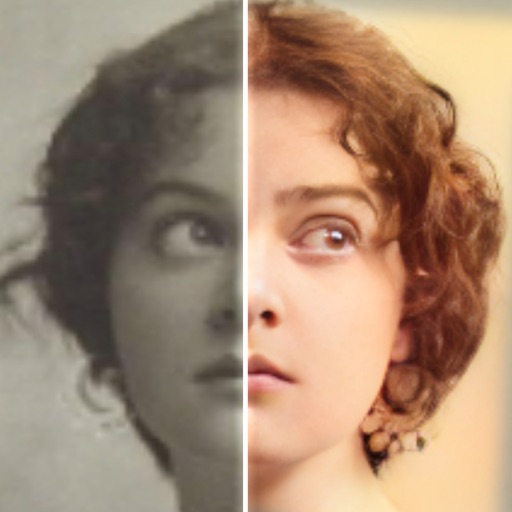
Edit photos with AI colorization, enhancement, and restoration. Remove scratches, tears, and blurs. Convert black and white images to high-definition . Adjust clarity and brightness. Share restored photos directly.
Browse news stories with swipe tabs for Top, New, Show HN, Ask HN, and Jobs. View stories with typography and thumbnail options. Open links in Safari with reader mode. Expand or collapse comments with tap gestures.
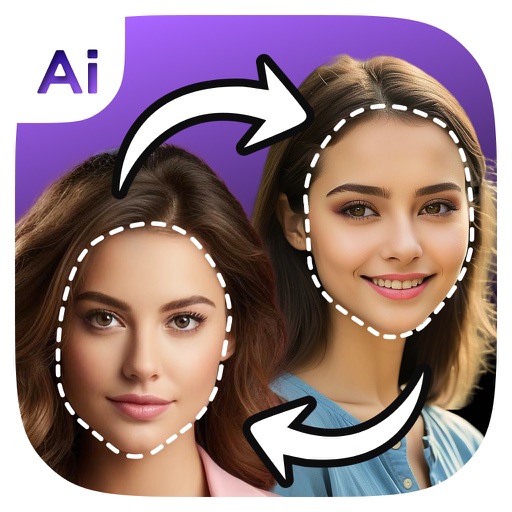
Faces in photos using AI technology. Apply 1000+ preloaded templates or upload custom ones. Adjust facial features and expressions. Export edited images in various formats and share directly.
Documents, whiteboards, business cards, and receipts with high clarity. Auto-detect edges and correct perspective. Remove shadows and sharpen text in color or black and white. Adjust brightness. Draw lines, text, fill forms, and create collages.
The app helps children aged 5-10 study 2D and 3D shapes and their attributes. It offers interactive learning with shape rotation and various question types, providing progress reports and correct answer feedback.
Edit and navigate handwritten documents with vector drawing tools. Organize files using Apple's document browser. Sync with iCloud and other cloud services. Save in open SVG format for compatibility with other vector graphics software.
Faces in videos and photos using AI technology. Upload a and a selfie to replace faces. Choose from pre-made templates or upload custom videos. Edit and share the final result.
Explore by rotating, tilting, and zooming a 3D globe. Select locations to view topographical data and gravity maps. Pinpoint key features like volcanoes, craters, and spacecraft landing sites.
Create drawings using AR tools, trace real-world objects in real-time, and convert photos into sketches. Access a library of templates for design projects. Share artwork directly from the .
Turn real-world images into sketches using . Capture photos and apply freehand artwork with intuitive tools. Edit and refine sketches directly on the canvas. Share finished drawings via social media or email.
The app allows users to create commercial art mockups by uploading artwork and selecting from customizable interiors. Users can enhance portfolios, stand out on social media, and impress collectors with professional art mockups.
Create AR experiences without 3D expertise. Place and rotate virtual objects using drag and drop. Import .usdz files or use built-in AR content library. Build high-quality 3D models via photogrammetry with guided capture.
Create and customize rooms in 2D floor plans. Add and adjust room properties. Drag and drop furniture, doors, and windows from organized categories. Edit objects and arrange layouts. Save and export designs. Limitations on object count apply.