Display time and date in full screen with landscape or portrait orientation. Switch between 12-hour and 24-hour formats. Toggle dark and light modes. Choose between flip clock and analog clock styles. Enable or disable flip animation.
Analyzes the ticking sound of mechanical pendulum clocks to determine their running rate in Beats Per Hour. It compares this rate to a target and reports the error in Seconds Per Day. Users can adjust settings and view detailed timing data.
Turn your iPhone or iPad into a display. View in full screen with no buttons or clutter. Adjust brightness for nightstand use. Tap to dim or swipe to change brightness. Supports landscape and portrait orientations.
Access city time with a home screen widget. Automatically detect location and view time zone details. Get sunrise, sunset, moonrise, and moonset times. Track daylight saving changes and twilight periods.
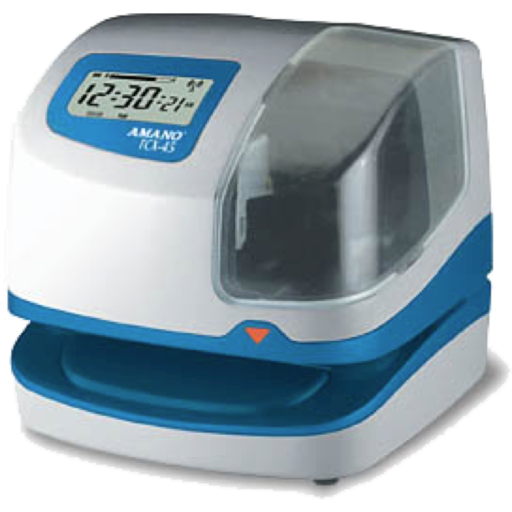
Track crew hours using GPS for automatic clock-in and clock-out. Log travel for material runs. View accurate hours by employee, crew, and project. Edit or adjust entries in real . Delegate clocking tasks to staff or manage manually.
Offers unique home screen with exclusive design styles. Features include morse code clocks, dot matrix displays, word clocks, and dayloader progress clocks. Users can preview calendars and weather directly on the home screen.
Detect cameras and microphones by scanning Bluetooth devices and Wi-Fi networks. Identify suspicious lenses using magnetometer data. Lock and disable detected devices to secure personal space.