Customize device with adjustable colors and styles. Choose from curated designs for iPhone. Apply via in- instructions. Icons are custom shortcuts, not actual icons. Subscribe for weekly or monthly plans.
Remove people from photos using AI-powered editing. Select and erase unwanted individuals or backgrounds. Adjust and refine the result for natural appearances. Save and share edited images directly.
Backgrounds from images using AI technology. Edit images by replacing backgrounds with chosen images, colors, or gradients. Use advanced color and gradient pickers. Add borders to enhanced images.
Faces between two photos by selecting them from the camera roll or camera. Process the and share the result. Use editing tools to crop, add images or text, draw, scale, rotate, and delete objects. Apply animations and customize colors.
Using AI to create depth in photos. Upload images from the camera roll. Select or mode. Apply customizable effects including default, radius, motion, zoom, box, surface, and bokeh. Adjust settings for precise results. Export edited photos directly.
Compress videos using AI to reduce file size without quality loss. Choose from small, medium, large, or custom compression settings. Compress videos in background mode. Compare original and compressed file sizes. Share videos without watermarks.
Clean photos, videos, and duplicate files by swiping to delete. Remove unnecessary screenshots and merge duplicate contacts. Compress large videos and clean calendar events. Delete similar photos and free up storage space.
Backgrounds using AI with one tap. photos with effects, blur, and color adjustments. Add text, stickers, and access a weekly updated interface with design themes. Export edited images for e-commerce use.
Create ID photos with AI-powered background removal and people segmentation. Edit images by removing backgrounds and adjusting elements. Access weekly updates and premium features with a subscription. Export edited images in various formats.
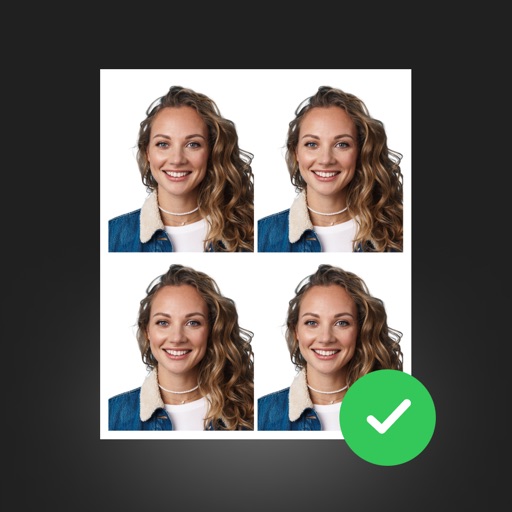
Create professional ID photos with AI tools. Automatically detect faces and remove backgrounds. Resize and crop portraits to fit official sizes. Support multiple countries' requirements. Generate printable -sized images for children and adults.
Edit photos with facial retouching tools to remove blemishes and enhance skin tone. Add artistic filters and effects to selfies and portraits. Export edited images in high quality and share directly from the .
Edit photos and videos with filters, cropping, and background erasing. Create collages by combining multiple images and videos. Add text, stickers, drawings, and textures. Save edited content and plan social media posts.
And edit photos with customizable size formats. Choose from square, portrait, or landscape. Add photos from the library and adjust their position, rotation, and size. Use the adjustments tool for precise edits.