Udio signals for up to 16 channels. Choose from four wave types: sine, triangle, square, and saw. Adjust volume per channel. View and summarize waveform settings at the bottom of the screen.
Analyze audio signals with features including triggering, time and voltage per division, and measurement cursors. Generate signals with adjustable frequency and waveform.
A calculator with cat sounds on equals. Tracks calculation steps and displays results. Allows input order calculations. Identifies mistakes during entry. Supports basic arithmetic operations.
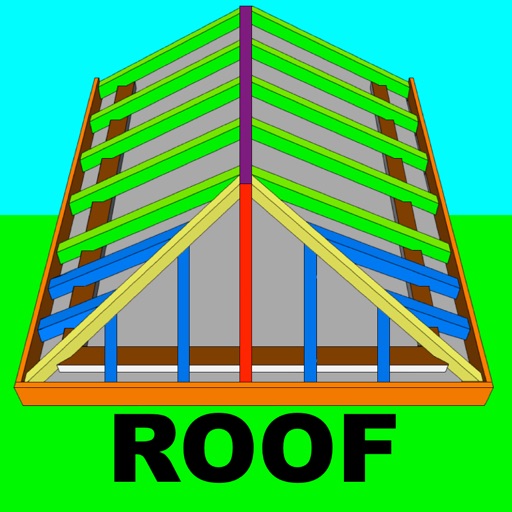
Calculate rafter, hip, and jack rafter lengths with precise angle cuts and birdsmouth dimensions. Input roof dimensions for instant results. Guide users in cutting roof components accurately without trial and error.
Offers stereo widening and depth enhancement for mono audio. Apply and effects with 40 presets. Adjust parameters for subtle or dramatic sound transformations. Sync with AUv3 hosts for integration.
Record calculations and automatically generate memos with formatted text. Edit and save notes directly. View calculations with clear commas and a large + button. Sync memos across devices. Share notes via email or cloud services.
Generate tones and sounds at specific frequencies. Create single or multiple tones. Use musical note presets. Produce binaural beats. Generate SFX sounds. Analyze waves. Perform tests. Adjust settings.
Measure objects using touch as or tape measure. Split objects into equal parts and calculate width/height ratios. Estimate diameter, angles, and divide circular objects. Switch between millimeters and inches for units.
Measure angles in images using a built-in protractor . Select and adjust points on the image to calculate angles. Save and export results. Share data via email or cloud storage.
The app transforms a mobile device into an audio function generator. It allows for multiple generators with independent control over frequency, wave type, volume, and phase for precise audio output.
Navigation provides flight planning and in-flight calculations. Users can customize quick access buttons, configure units, and adjust keypads. Features include real avionics look, flight data entry, and performance calculations.