Create detailed 2D floor plans with real-time dimension measurements. multi-story buildings with unlimited floor levels. Generate 3D visualizations of layouts. Plan gardens and integrate with surrounding landscapes.
Explore calming natural environments with immersive sounds and visuals. Adjust lighting and customize scenes. Set focus or sleep modes with guided sessions. Track progress and access scientific insights for mental well-being.
Manage community payments with one-time or recurring options. Submit maintenance requests with photos and track progress. Receive community announcements and event reminders. Connect with on-site teams and access additional features.
Offer daily devotionals, scripture readings, and prayer guidance. Access sermon recordings and events. Connect with community members and participate in service initiatives.
Apply colors to walls using real-time visualization. Select and adjust colors with one tap. Preview color changes in AR. Save and share color schemes. Sync with smart home devices for lighting integration.
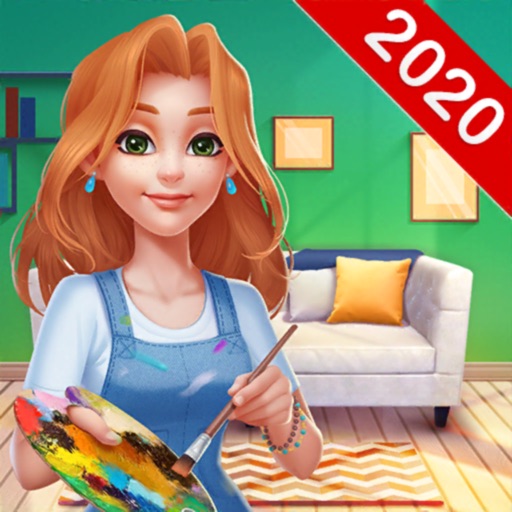
Create and customize interior designs for virtual homes. Select and apply paint colors, add decorative elements, and arrange furniture. Save and share completed designs. Participate in art shows and expand your gallery.
Create and manage spray walls with symmetrical, partly symmetrical, adjustable, and private settings. Set problems including circuits and competition boulders. Upgrade walls for enhanced features. Track progress and share routes with the community.
Visualize wallpapers on rooms, walls, or surfaces. Choose from a variety of designs and colors. Adjust lighting and layout to see how wallpapers look in different spaces. Save and share your designs.
Manage tasks, communicate with staff, and access property information. View local deals, post messages to the bulletin board, and submit maintenance requests. Track unit-specific updates and notifications.
Detect electromagnetic fields in real time using your phone's sensors. Identify risk zones in workspaces, bedrooms, and living areas. Measure EMF levels from devices like computers, fridges, and phones.
Push Box allows players to navigate a grid-based warehouse, moving boxes to designated storage spots. Players push boxes horizontally or vertically onto empty squares. The goal is to position all boxes in storage locations without blocking paths.