Change Zoom background with customizable options. Select from a variety of high-quality wallpapers and . Use them during meetings and classes. Apply changes instantly without additional setup.
Customize digital widgets with three sizes, personal photos as backgrounds, and adjustable layouts and text colors. Set faces and backgrounds to enhance home screen appearance.
Customize mode with personalized widgets, icons, and themes. Set wallpapers, clocks, and weather displays. Choose from multiple themes and icon packs. Syncs with iOS 17+ for full functionality.
Organize photos into curated albums. Apply filters and frames. Add stickers and backgrounds to create custom designs. Track developmental milestones with timeline features. Access exclusive templates and weekly sticker updates with Pro subscription.
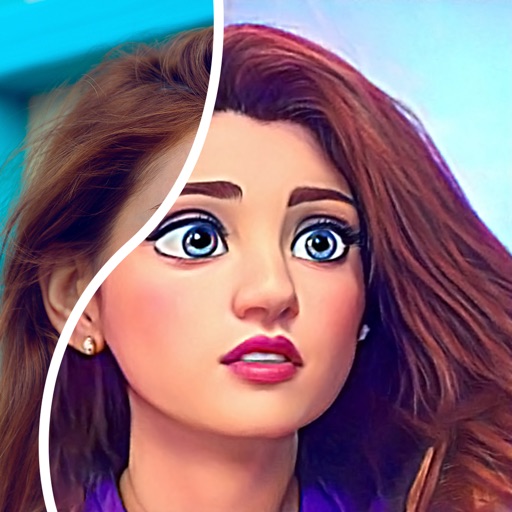
Convert photos into comic styles using AI algorithms. Edit avatars with retouching tools. Access various comic templates. Apply filters and adjust images for effects. Share edited images directly.
Edit photos by automatically detecting lips and . Adjust whiteness and modify lip color. Change facial feature shapes and remove blemishes. Alter hair and eye color for a customized smile appearance.
Play audio and video files from local devices, network sources, or streaming services. Manage playlists, control playback, and access media from NAS or home servers.
The app allows users to create memes by selecting a picture, changing captions, and sharing. It supports multiple images, user photos, and multi-line captions without ads or watermarks.
Create collages by adding to photos or videos. Choose canvas size and color. Customize with font, size, border, color, gradient, stroke, and shadow. Add stickers or GIFs. Save projects for reuse. Access 300+ fonts for multiple languages.
Locate devices by scanning nearby devices and viewing their exact location. Track headphones, smartwatches, or other devices. Connect and monitor devices in real time.
Faces between two photos by selecting them from the camera roll or camera. Process the and share the result. Use editing tools to crop, add images or text, draw, scale, rotate, and delete objects. Apply animations and customize colors.
Convert photos and videos to art with 30+ styles and 10+ effects. Record art videos directly or apply the style to existing clips. Save results as videos, live photos, or gifs. Adjust settings to customize the pixelation effect.