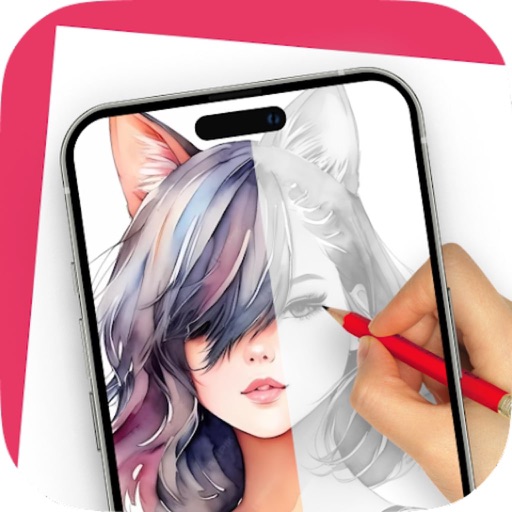
Create and refine sketches with AI assistance. Draw, erase, and edit freely. Generate multiple variations from a single sketch. Export images in various formats and share directly.
by STUCK Design Pte Ltd★ 4.145 ratingsProductivityFreeData updated 2026-09-06
Create digital art with 105 tools including pens, pencils, and brushes. Import and edit photos. Add text and rotate elements. Customize brush settings. Use customizable canvases. Save and share artwork.
AI Art lets users create digital artwork using AI. Input text or sketches to generate art. Choose from various styles and color schemes. Adjust details to refine the output. Save and share the final artwork.
Sculpting tools allow shaping creations with brushes like clay, flatten, smooth, and mask. Trim boolean cutting with lasso and rectangle shapes. Stroke customization includes falloff, alphas, and pencil pressure. Save and load tool presets.
Drawing techniques through step-by-step lessons. Create and customize sketches with various tools. Access coloring features and save artwork. Share drawings directly from the . Track progress and revisit previous lessons.
Games allow users to select color by number puzzles and images by tapping colors. Features include on pages, recoloring existing artwork, and saving progress. Users can access pixel art books and sketch freely without internet connection.
360 COMPANY BILISIM TEKNOLOJILERI REKLAMCILIK MEDIKAL TURIZM SANAYI VE TICARET LTD STI
Draw with AR and AI to create
Draw on real-world surfaces using augmented reality. Trace and with AI-powered tools. Edit and refine drawings with color, brush size, and opacity controls. Share creations directly from the .
Create animations by drawing frames and applying motion effects. Use pre-designed templates to start projects. Export animations in video format and share via social media or email.
Write with smooth, precise digital ink. Sketch diagrams, brainstorm, or take lecture notes. Organize ideas into pages and folders. Export notes as PDF or image files. Share notes directly from the .
Create custom black-and-white line drawings using AI prompts. Draw freely with customizable tools. Access a global community for sharing and feedback. Save and export artwork in various formats.
Upload a room photo and select a style to generate an AI-designed layout with color schemes, furniture, and accents. Visualize changes for rooms and gardens. Adjust details and export ideas for real-world application.
Draw on physical paper using AR templates for tracing and sketching. Paint and color directly on paper with digital tools. Save and share artwork. Adjust brush settings for pressure sensitivity and stroke control.
Learn to characters using augmented reality guidance. Follow step-by-step tutorials to sketch facial features, body proportions, and expressions. Use AR overlays to visualize and refine your drawings in real time.
Sketching and apps offer tools for creating and editing artwork. Users can draw on a virtual canvas, access various brushes and colors, and save or share their creations.
Create custom emojis based on mood or prompts using AI. Save favorites to a personal collection with swipe gestures. Share emojis directly in messages or social media.